Sell with payment links and subscriptions
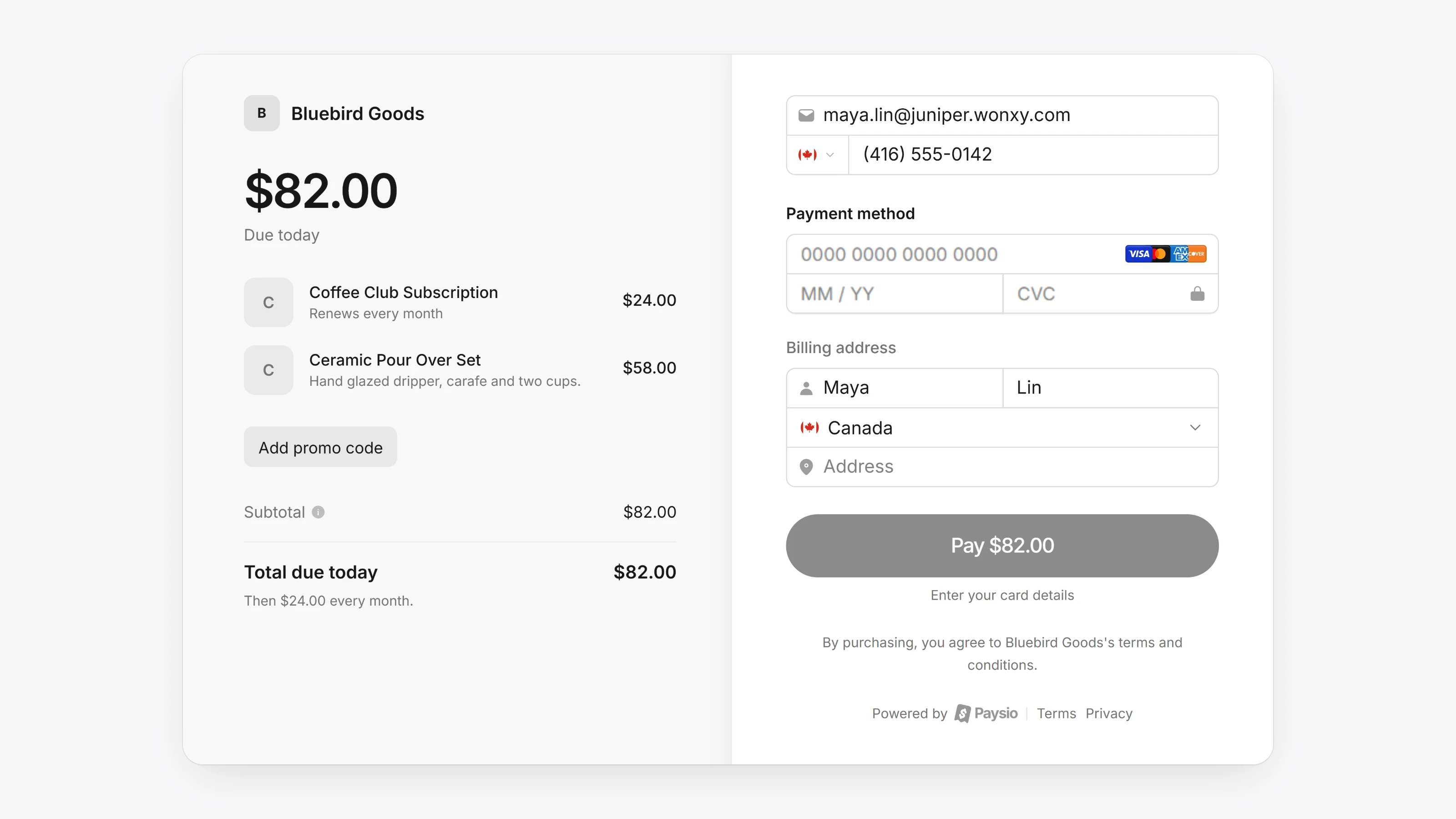
Connect your card gateway in Settings, then Integrations, using separate sandbox and production keys. Then create Products, one-time or recurring, with tax, images and optional stock tracking.
Payment Links turn products into a hosted checkout page. You can add Custom fields, Upsells, Collect shipping address and Adjustable quantity. Recurring products start a subscription automatically.
Customers sign in to the customer portal with a code sent to their email. There they can see their payments and subscriptions, change the card on a subscription, cancel or reactivate it, and pause it if you turn on Allow customers to pause subscriptions.
- Create Discounts as a percentage or a fixed amount. They can apply once, for a set number of cycles or forever, with an optional usage limit.
- Turn on Apple Pay and Google Pay in Settings, then Payments.
- On a subscription you can pause, cancel, reactivate or Add free days. Transactions can be refunded or voided.
- Customer pages show a timeline, internal Notes and saved cards, and you can Add payment method.
- Analytics shows revenue, MRR, subscription health, top products, top customers and locations.