Live dashboard, Virtual Terminal and faster checkout
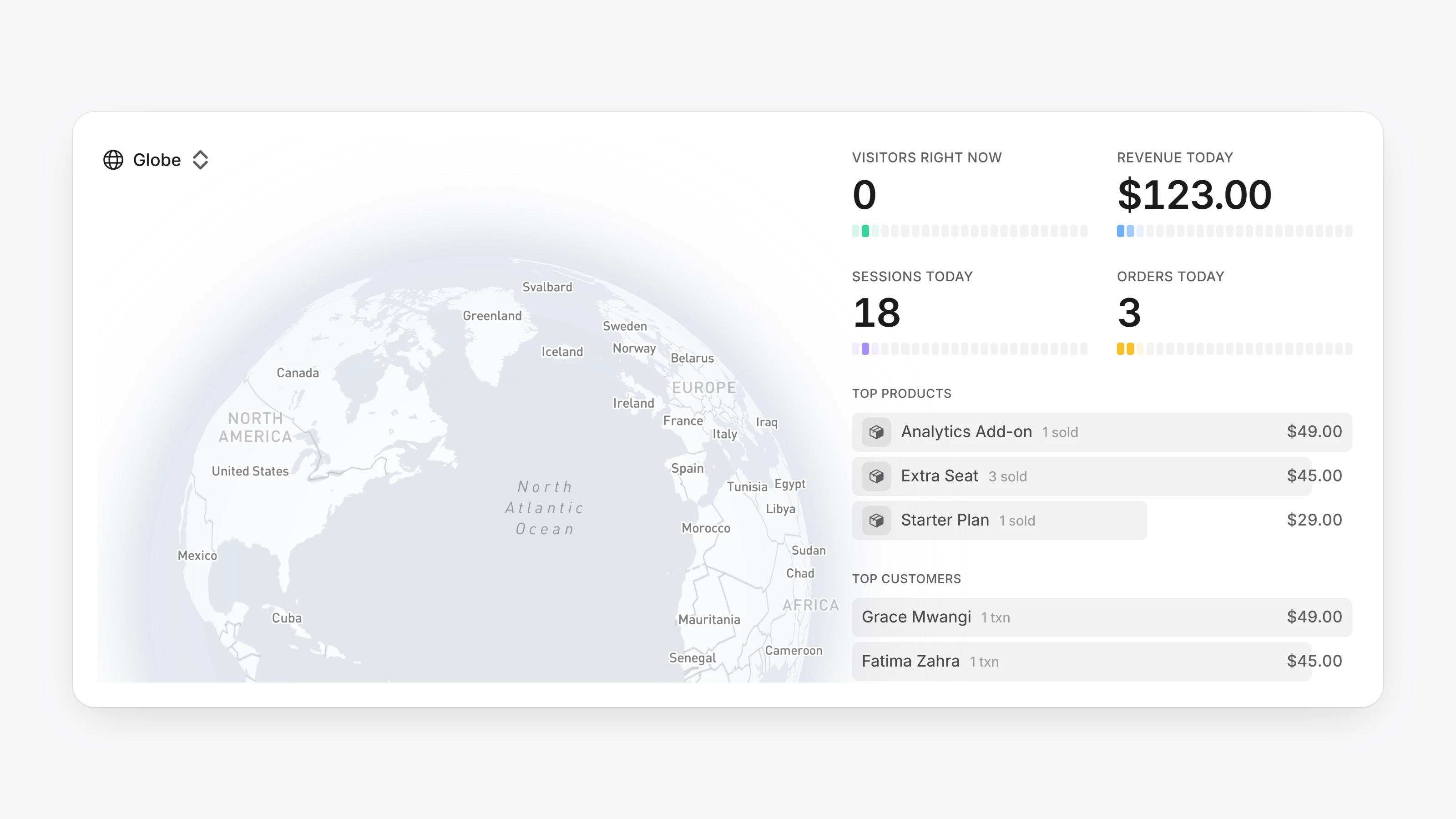
The Dashboard is now live. It shows Visitors right now, Revenue today, Total orders and a globe of where shoppers are, plus a feed of payments and renewals as they happen.
Use Virtual Terminal to charge a card by hand. Pick an existing customer and a saved card, or enter new details, then add products and an optional discount.
Returning customers can use Quick Checkout on your payment pages. They confirm with a one-time code, then pay with a Saved card or a New card.
- Invite teammates from Settings, then Members.
- Open Settings, then Data and choose Full Import to bring in your customers and transactions from your previous provider.
- Customers get an email receipt with a link to manage their account, and a reminder 3 days before a subscription renews. Add addresses under Transaction notifications to get an email for every new payment.
- In Settings, then Payments, turn on Require phone number at checkout and set a Descriptor name for card statements.
- Search across transactions, subscriptions and customers, with filters for date, amount and status.
- Set your workspace Timezone in Settings, then General.