Bring your own processor account
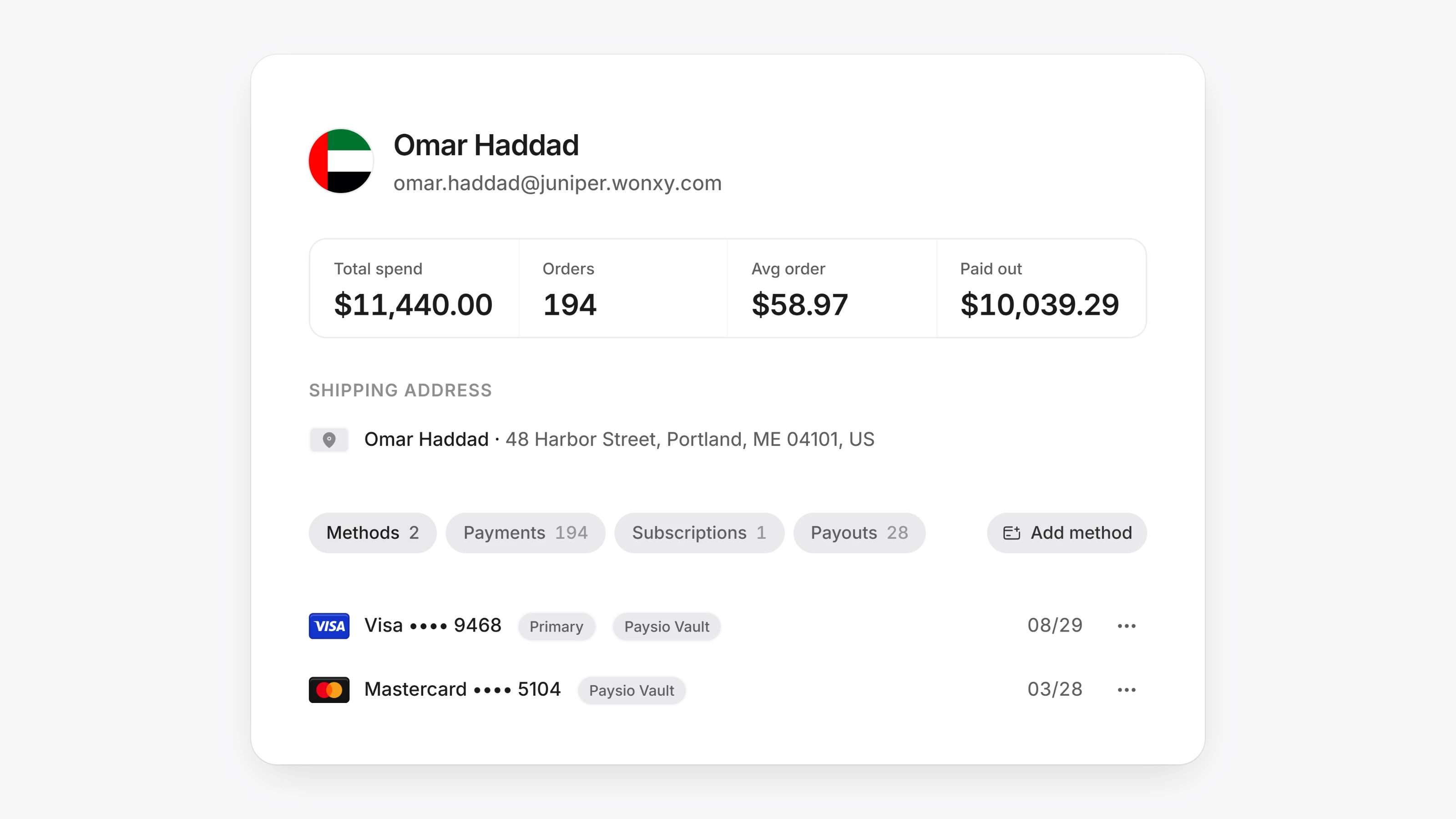
Open Settings, then Integrations. Paysio now supports a second kind of processor account next to the card gateway you connected at launch. Add the account's Publishable key and Secret key, then turn it on to make it your active processor. Paysio asks you to confirm before it switches processors.
Payment links, the Virtual Terminal, subscription renewals, Apple Pay and Google Pay then run on that account. Cards saved at checkout are kept on the customer for later charges.
To bring your history over, open Settings, then Data, and run an import from your previous provider. It brings in customers, their payment methods and their subscriptions.
- paysio.js has
mountCardInputs(), which shows hosted card fields on your own page for either processor. mountCardInputs()takesstyleoptions for background, text, placeholder, border, focus border and icon colors.