Get set up with a checklist and see your plan
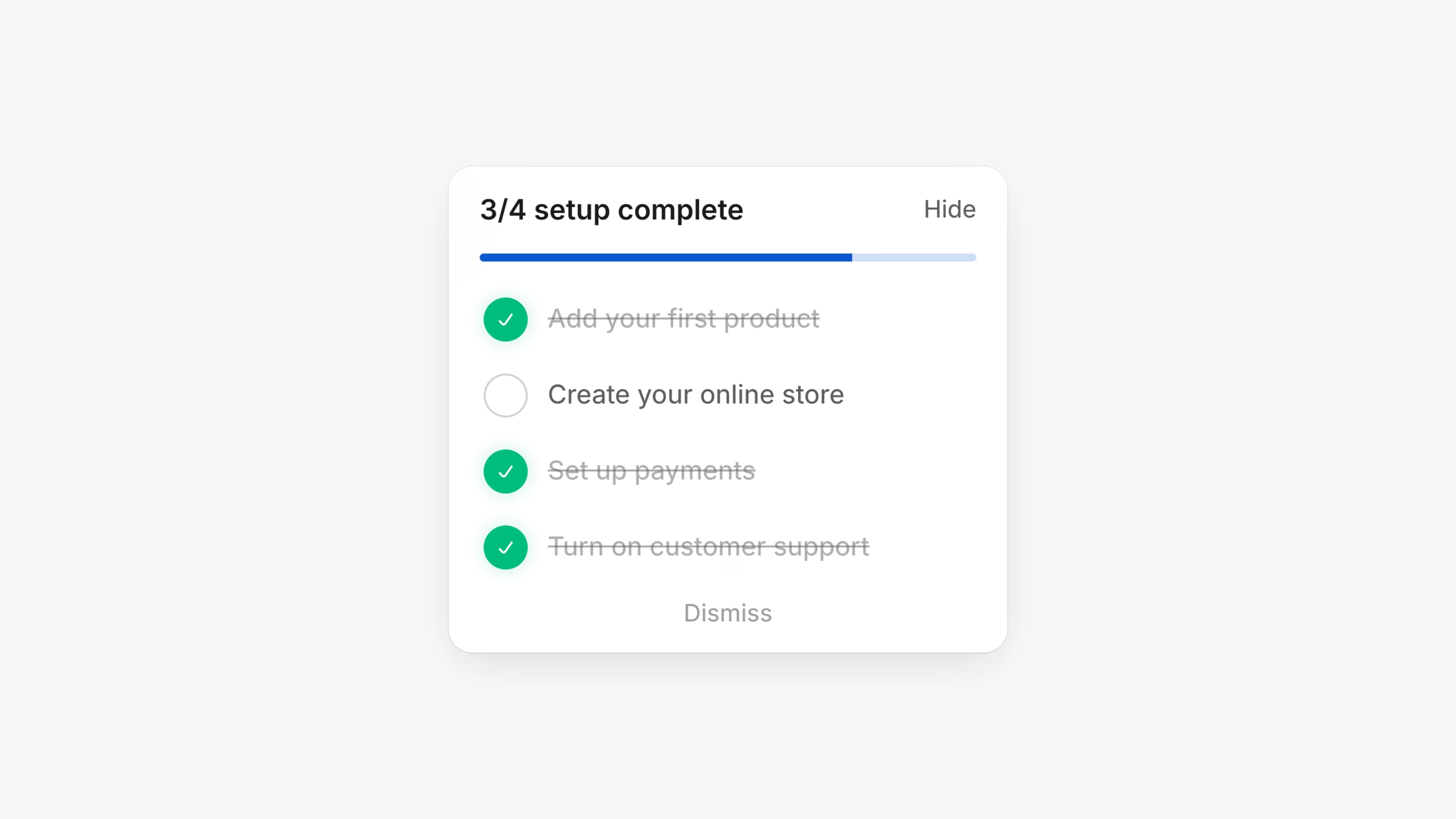
New workspaces now see a setup checklist on the dashboard: Add your first product, Create your online store, Set up payments, Turn on customer support and Choose a plan. The checklist goes away once a workspace is 30 days old.
Settings has a new Billing page. It lists the Paysio plans and shows which plan your workspace is on. Custom domains need the Basic plan or above.
Two settings pages have new names. Integrations is now Payments, where you pick your payment processor. Payments is now Checkout.
- You can switch off your active payment processor in Settings, then Payments. Paysio blocks this while you have active or past due subscriptions.
- 3D Secure now has an on and off switch in Settings, then Payments.
- Push notifications, transaction emails and support chat emails now share one page. Open Settings, then Notifications.
- New workspaces pick up your browser's time zone.
- The Store Builder preview opens new pages as soon as they are built.
- Apple Pay is hidden at checkout when the cart contains a subscription product.
- Percentage discounts can no longer be set above 99%.