Run your business from the Paysio mobile app
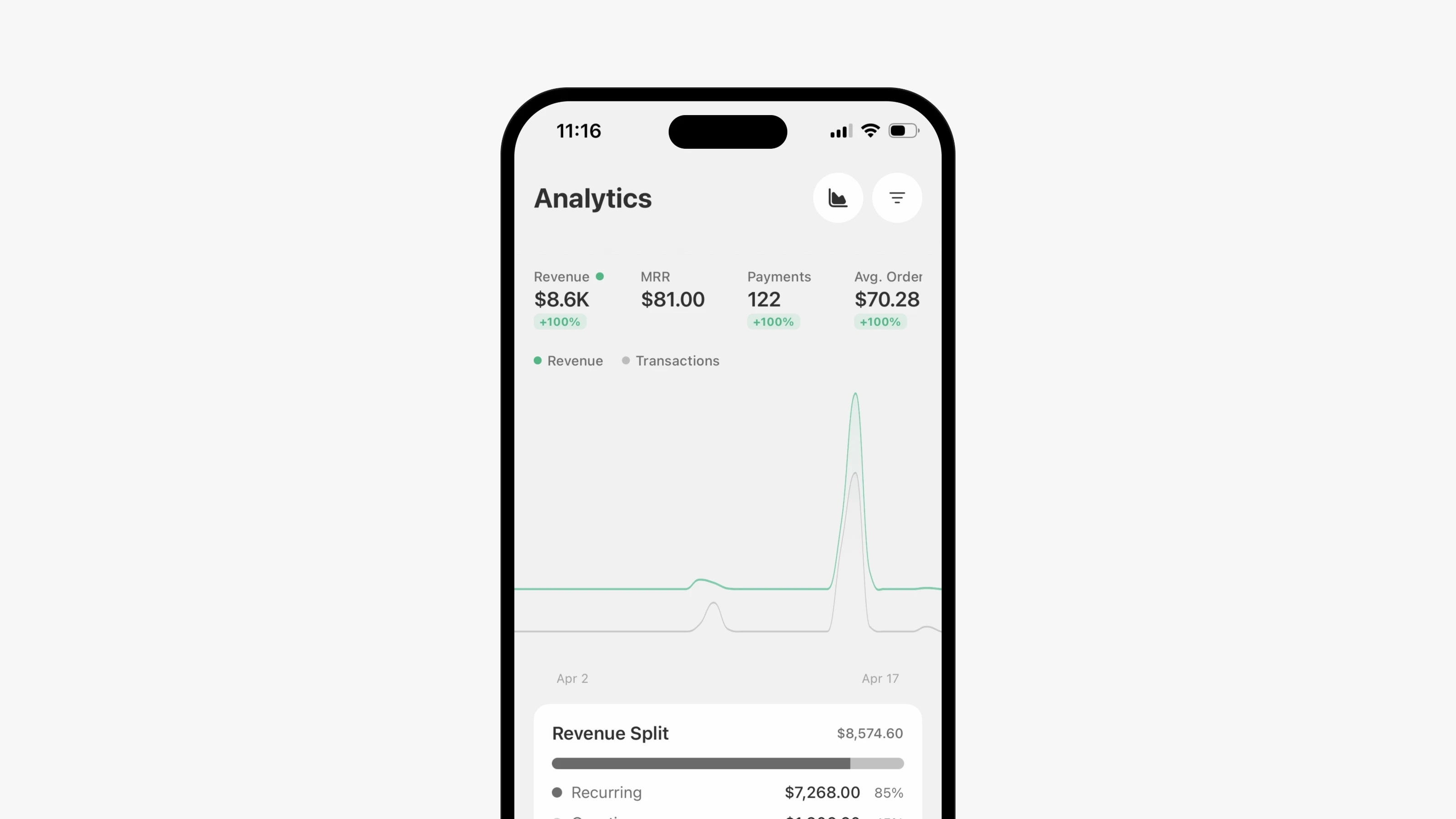
Paysio now has an app for iPhone and Android. Download links are on paysio.com/download. Sign in with the same email code you use on the web. The app has three main tabs: home, Inbox and Transactions. A menu gives you Customers, Products, Invoices, Payment Links, Subscriptions, Discounts, Analytics and Your Store.
You can refund or void a transaction, pause, resume or cancel a subscription, and create invoices, products, payment links and discounts. Search finds transactions, customers, subscriptions, products, payment links and discounts. Your Store lets you manage your storefront and start from a template.
Turn on push notifications to hear about new payments and new inbox messages. Tapping a message notification opens that conversation. You can switch the alerts on or off in the app, or on the web: open Settings, then Notifications.
- Notifications cover every workspace you belong to, and each one is labeled with its workspace.
- The app follows your phone's light or dark mode.