Ship orders, charge shipping and track your ads
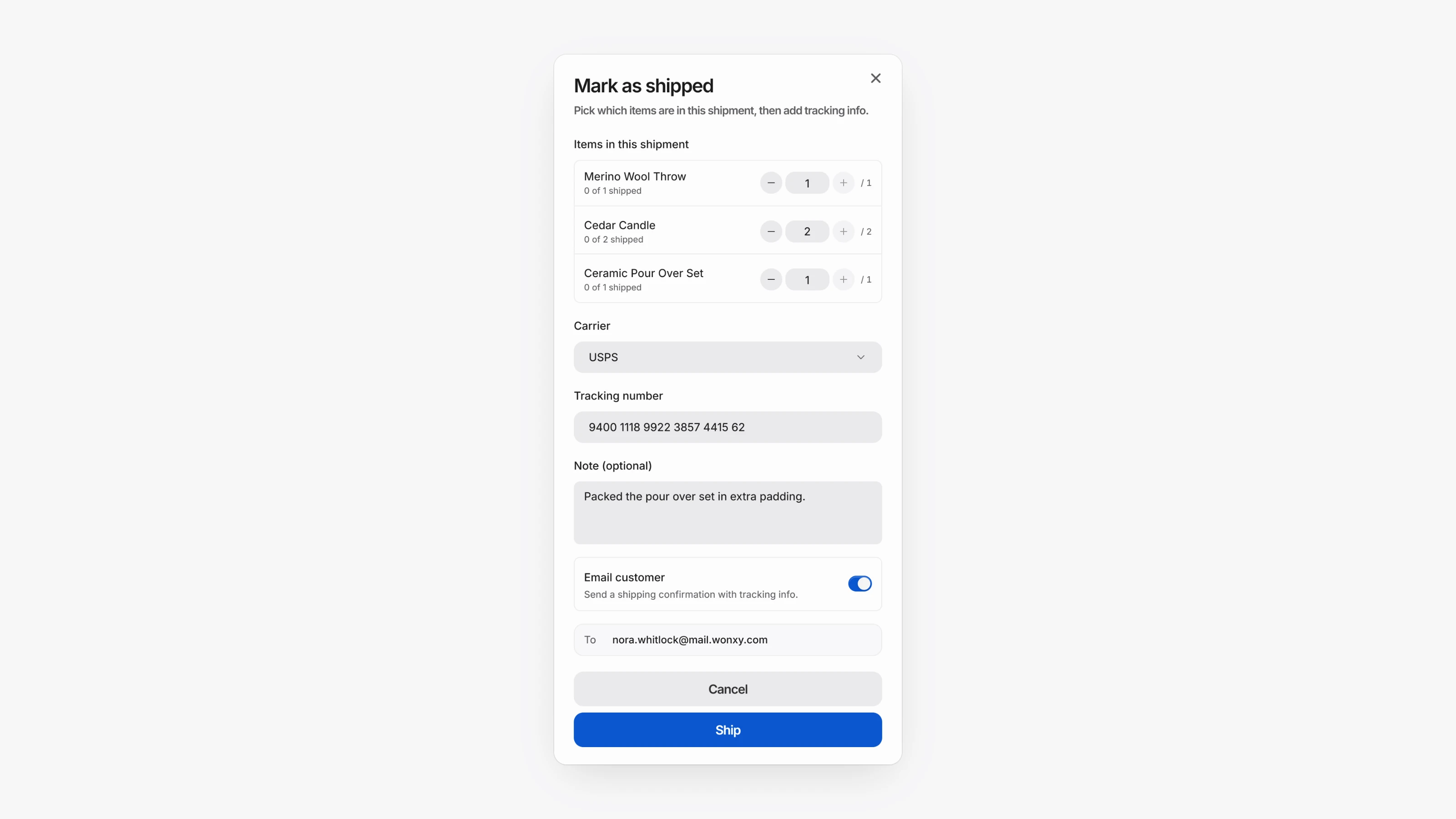
Turn on Track shipping & fulfillment on a product. Orders for it show as Unfulfilled until you open the transaction and choose Mark as shipped. Pick the items, carrier and tracking number, and Paysio emails the customer a shipping notice. You can also Cancel order, and the customer gets an email.
Products can now Collect shipping fee, either fixed or a percentage. Under Settings, then Checkout, choose whether a cart with several products adds up all shipping fees or charges only the highest. Receipts and transactions now show subtotal, tax and shipping on separate lines.
Open Settings, then Pixels to add a Meta Pixel, Google Ads conversion or TikTok Pixel. Checkout reports InitiateCheckout and Purchase events. Paysio also records UTM parameters and ad click IDs on every payment, so Analytics shows Sales by source and Top campaigns even without pixels.
- Set a Primary color and Background color for your checkout pages under Settings, then Checkout.
- Reorder product images by dragging them.
- New setting: Collect shipping on storefront checkouts makes store checkouts ask for a shipping address.
- Workspace members, not only owners, can now update workspace settings.
- Wallet payments that ask for a shipping address no longer stall when the shopper changes the address.