Import your customers from a file
Open Customers and click Import. Choose a CSV, TSV, JSON or text file. Paysio reads the file and matches the columns for you, so you do not have to rename them first.
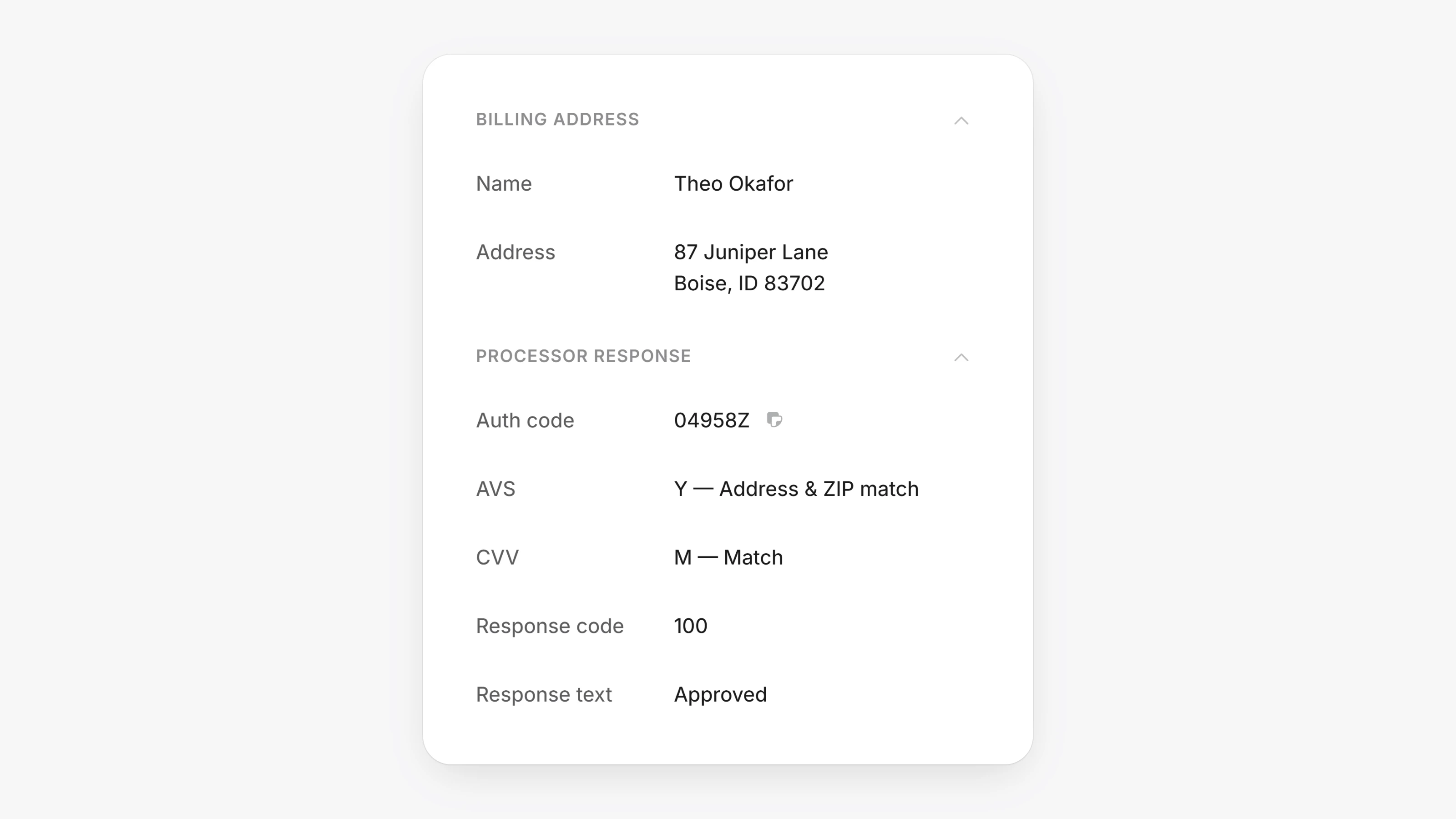
Each transaction now has a Processor response section showing the auth code, AVS and CVV results, and the response code and text from your gateway. This helps when you look into a decline or a dispute.