Pull debit payments and send payouts with Paysio Debit & Payouts
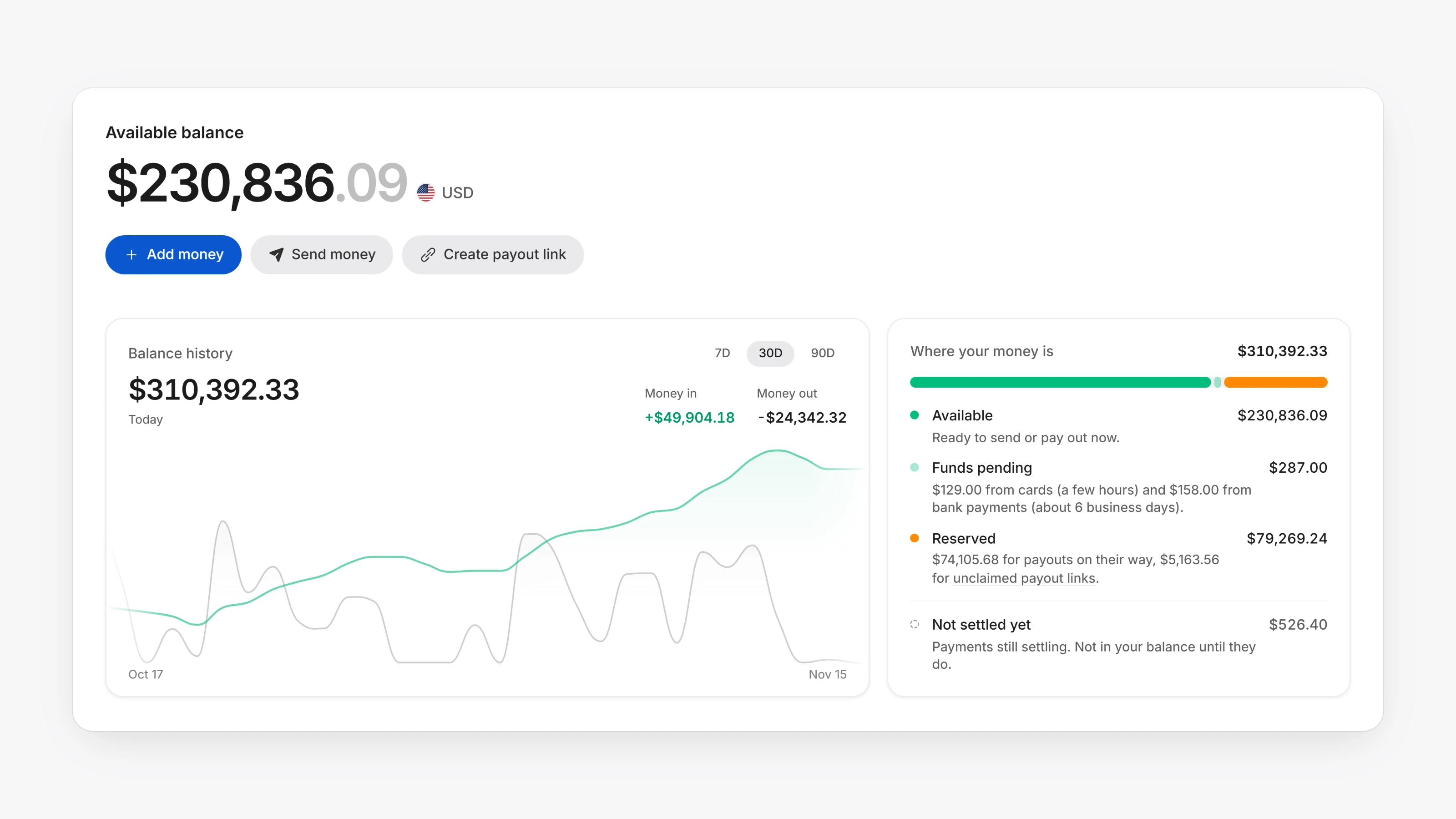
Paysio Debit & Payouts is a new way to move money in both directions. Apply from Settings, then Payments. You can test in sandbox right away, and live access opens once your account is approved.
The new Balances page shows your Available balance, what is Pending in and Pending out, and your recent activity. Use Add money to fund the balance from a linked account, and Send money to pay a customer or new recipient by debit card or bank account. Before you send, Paysio shows what the recipient gets and the total deducted. Recipients get an email confirmation.
Add the bank accounts and debit cards you fund from under Settings, then Linked accounts.
- Six new themes under Settings, then Appearance: Graphite, Navy, Purple, Teal, Forest and Crimson.
- Add a private note to any order or payout.
- The Transactions item in the sidebar shows how many orders still need fulfilling.
- Store signup forms now collect subscribers into Email Lists. You can also add them by hand or import a file.