Accept bank payments, offer dual pricing and block fraud
You can now take bank (ACH) payments through your card gateway's bank payments or Paysio Debit & Payouts. Open Settings, then Checkout, and turn on Bank. Customers enter a routing and account number at checkout, can save a bank account in the customer portal, and you can charge one from the Virtual Terminal.
Turn on Dual pricing on the same page to charge an extra percentage when a customer pays by card. Bank payments pay the base price. At checkout the price updates when the customer switches between card and bank, and subscription renewals use the same rule.
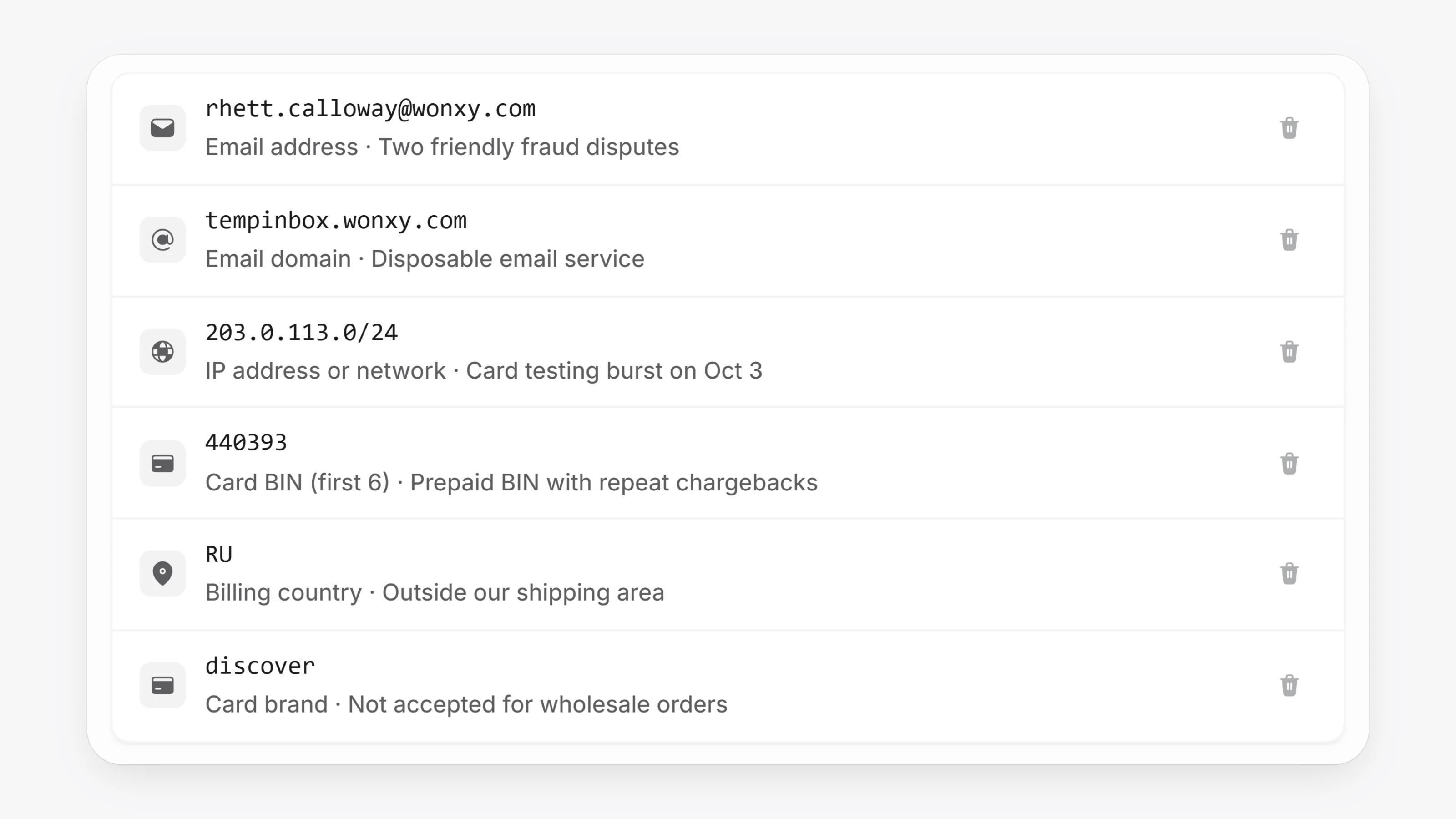
A new Blocklist in settings lets you block checkouts by email, email domain, phone, IP address, billing country, postal code, street address, card BIN, card brand, a specific card or a bank account. You can also block details straight from a transaction or customer page with Block at checkout. Blocked saved cards are hidden from quick checkout.
- A new Disputes page lists chargebacks and bank returns on Paysio Debit & Payouts payments.
- Settings now has a Search settings box that jumps to the matching setting.
- Search now finds payouts by number, amount, card or customer.
- You can now Void payment on a card payment that has not settled yet. Opening a card payment also refreshes its settlement status.
- The Virtual Terminal supports product variants and checks stock.
- New payout endpoints:
POST /v1/payouts,GET /v1/payouts,GET /v1/payouts/:id,GET /v1/balanceandPOST /v1/account-checks. POST /v1/chargescan create the customer, save the card and charge in one call withemailandsave_payment_method.- paysio.js
mountCardInputs()renders hosted card fields you can style withappearance. GET /v1/customerstakes aprocessorfilter, and payment methods showpayout_eligible.- Send
rail: "ach"to charge a bank account through whichever bank-capable gateway you have.