Send money with payout links
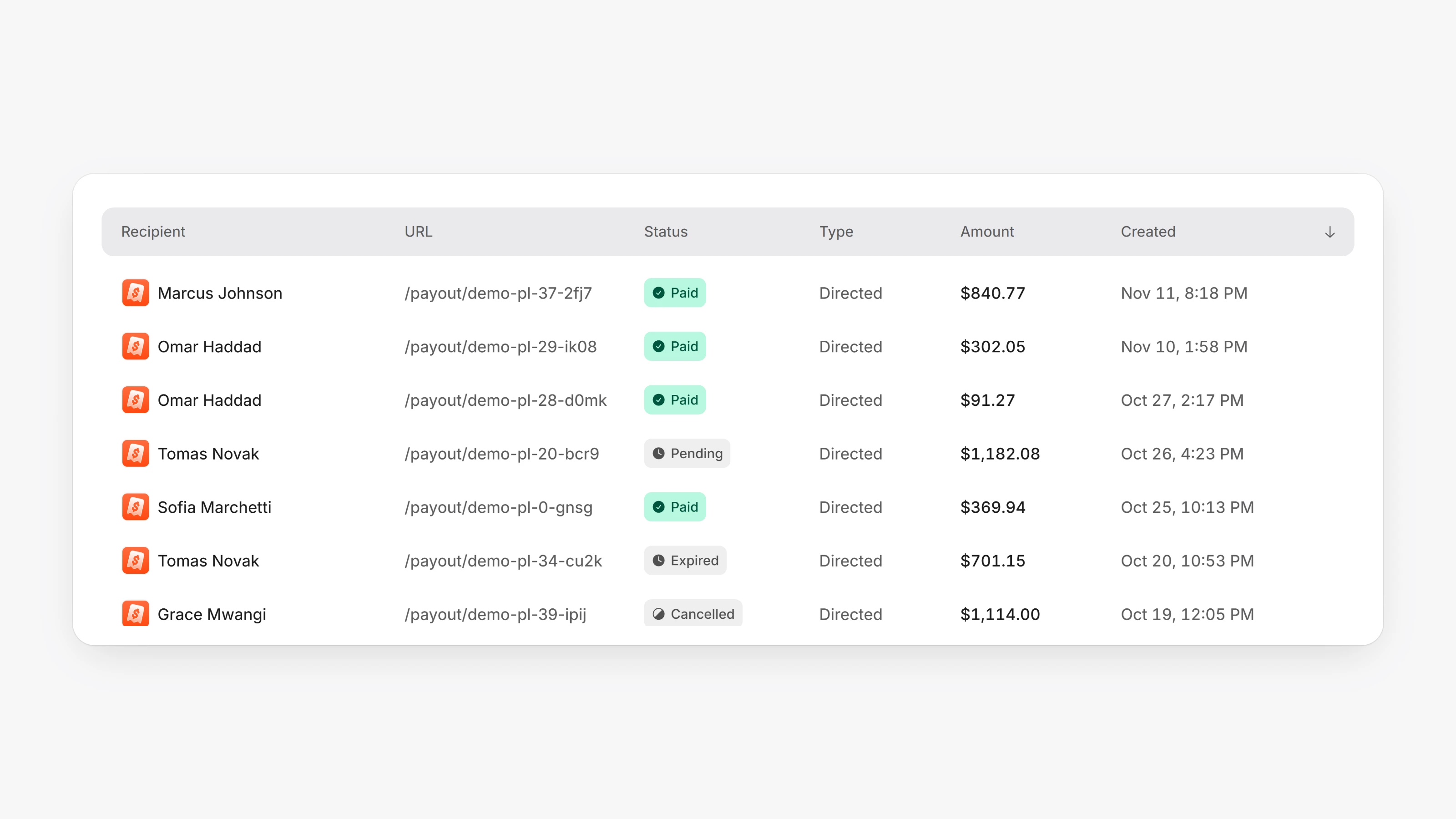
A new Send money group in the sidebar has Payout Links and Payout Requests. Create a link with Send to someone to pay a specific email address. Only that address can claim it, after confirming a 6-digit code, and they choose a debit card or bank account to receive the money. The amount is held from your Paysio balance, and unclaimed links expire and release the funds.
Choose Request link instead to share a page where people request a payout and say where it should go. Requests land in Payout Requests for you to approve or reject, and the sidebar shows how many are waiting. Recipients always get the full amount. The Paysio fee is added on top and shown as Total cost.
Smart routing can now send debit cards to Paysio Debit & Payouts and credit cards to your card gateway for US cards. Open Settings, then Checkout, to turn it on. Both must be connected.
- New Developer role: member access plus API keys and webhooks. Owners can change a member's role in Settings, then Members.
- Add an animated Left panel background and a Background pattern color to your checkout and payout pages in Settings, then Checkout appearance.
- Card payments that are approved but not yet settled now show as Succeeded, and confirmed ones as Settled.
- When you connect a gateway, it is now picked for the payment types it supports if nothing else is set.
- Webhook URLs entered without
https://are now accepted, and only http and https URLs are allowed.
- Create, list, get and cancel payout links with
POST /v1/payout-links,GET /v1/payout-links,GET /v1/payout-links/:idandPOST /v1/payout-links/:id/cancel. - List, get, approve and reject payout requests with
/v1/payout-requests,/v1/payout-requests/:id/approveand/v1/payout-requests/:id/reject.