Take instant bank payments
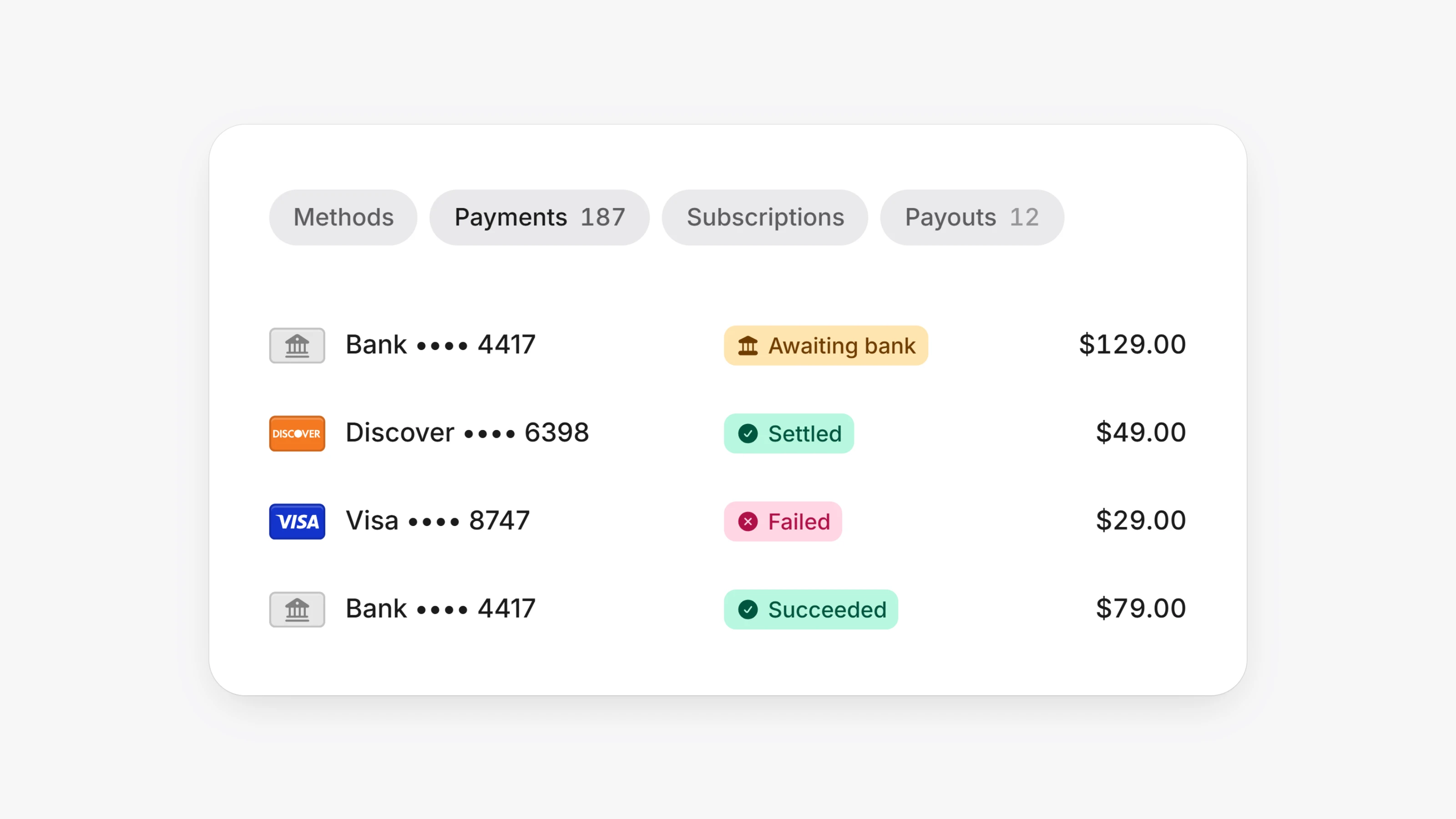
Bank payments can now try the instant rail first. Open Settings, then Checkout, and turn on Instant bank debits. On their first bank payment, buyers connect their bank on a secure hosted page inside checkout. Returning buyers skip this step.
Until the buyer authorizes, the payment shows as Awaiting bank. If they do not finish within 3 hours, the payment fails. If the instant rail is not available, the payment falls back to a standard bank debit. Subscription renewals always use a standard bank debit.
Products with recurring pricing can now charge a different amount for the first payment, for example a setup fee or a lower intro price. Turn on Different first payment on the product and enter the First payment amount. Renewals then bill the regular price.
- Invoice emails now open the hosted invoice page with your branding, the full breakdown and a PDF download. Customers pay from there.
- Subscriptions now have short numbers like SUB-00042, shown in the dashboard, search and the customer portal.
- Checkout custom fields now support a multi-line text field, and long checkbox labels wrap cleanly.
- Checkout on phones is more compact and no longer zooms in when a field is tapped on iOS.
- Add
return_urlto a bank charge onPOST /v1/chargesto try the instant rail. A first-time payer getsbank_auth_urlback. - Charges now include
bank_auth_status(awaiting,authorizedorexpired) andbank_auth_urlfor instant bank payments. - Subscriptions created with
POST /v1/subscriptionscharge the product's first payment price on the first cycle.