Choose who sees which pages, and tidy your sidebar
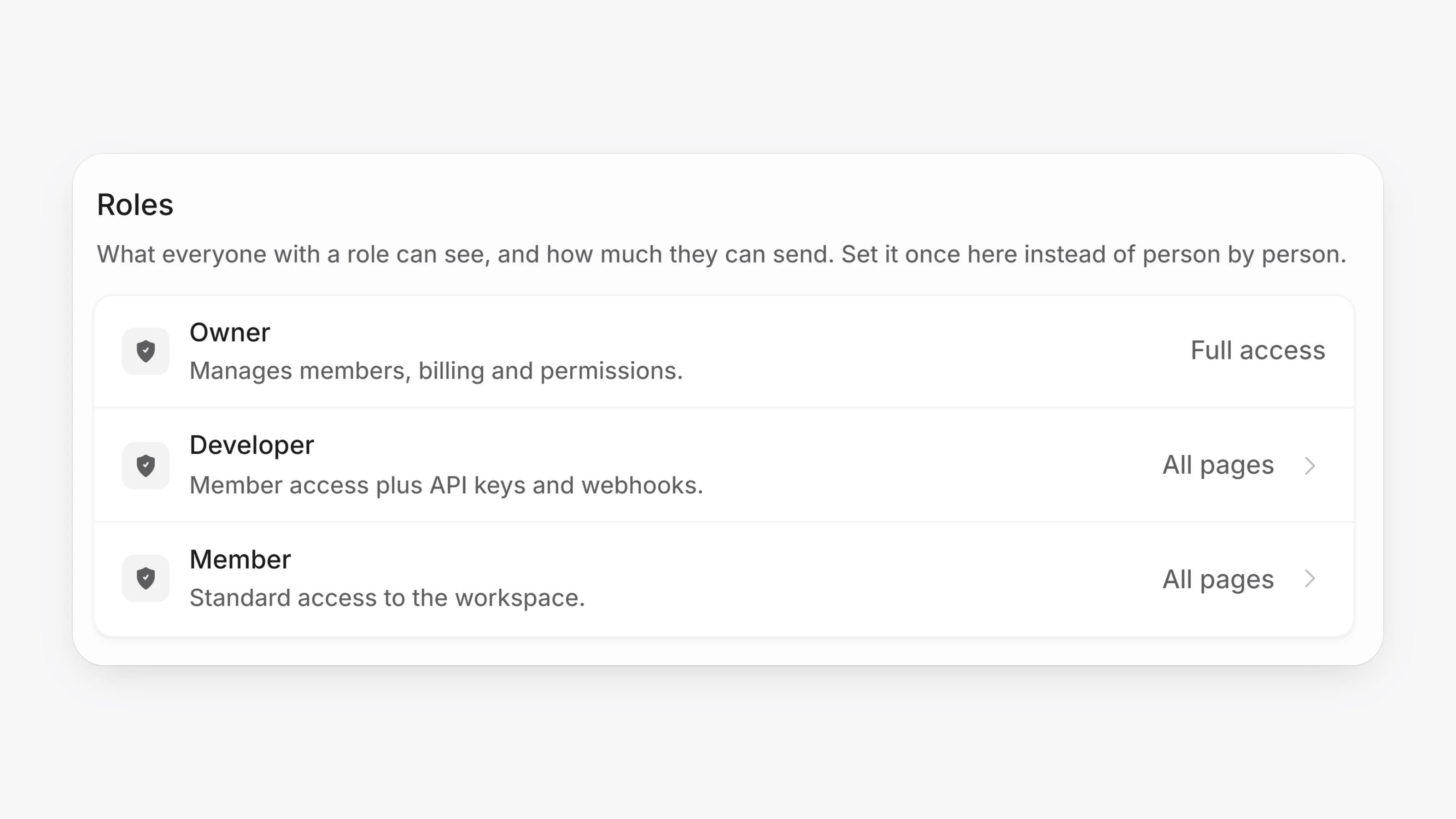
Owners can now choose which pages each role can see. Open Settings, then Permissions. Under Roles, set the defaults for the Developer and Member roles. Under People, give one person more or less than their role. Anything you do not change follows the role.
You can also hide pages you never use. Open Settings, then Appearance, and use the Sidebar section. This is saved for you alone, per workspace, on every device. Hidden pages stay reachable by link and search.
- Lists like Transactions, Customers, Products, Invoices and Subscriptions now let you pick several values in one filter, for example two statuses at once.
- Drag workspaces in the workspace switcher to put them in the order you want.
- Transactions paid with quick checkout now show a lightning mark with a Quick checkout tooltip.
- When a payment fails at checkout or in Virtual Terminal, the error now shows a Reference number you can give to support.
- Home dashboard totals for "today" now use the workspace time zone, so everyone on the team sees the same numbers.