Customize your Home and pay out on a schedule
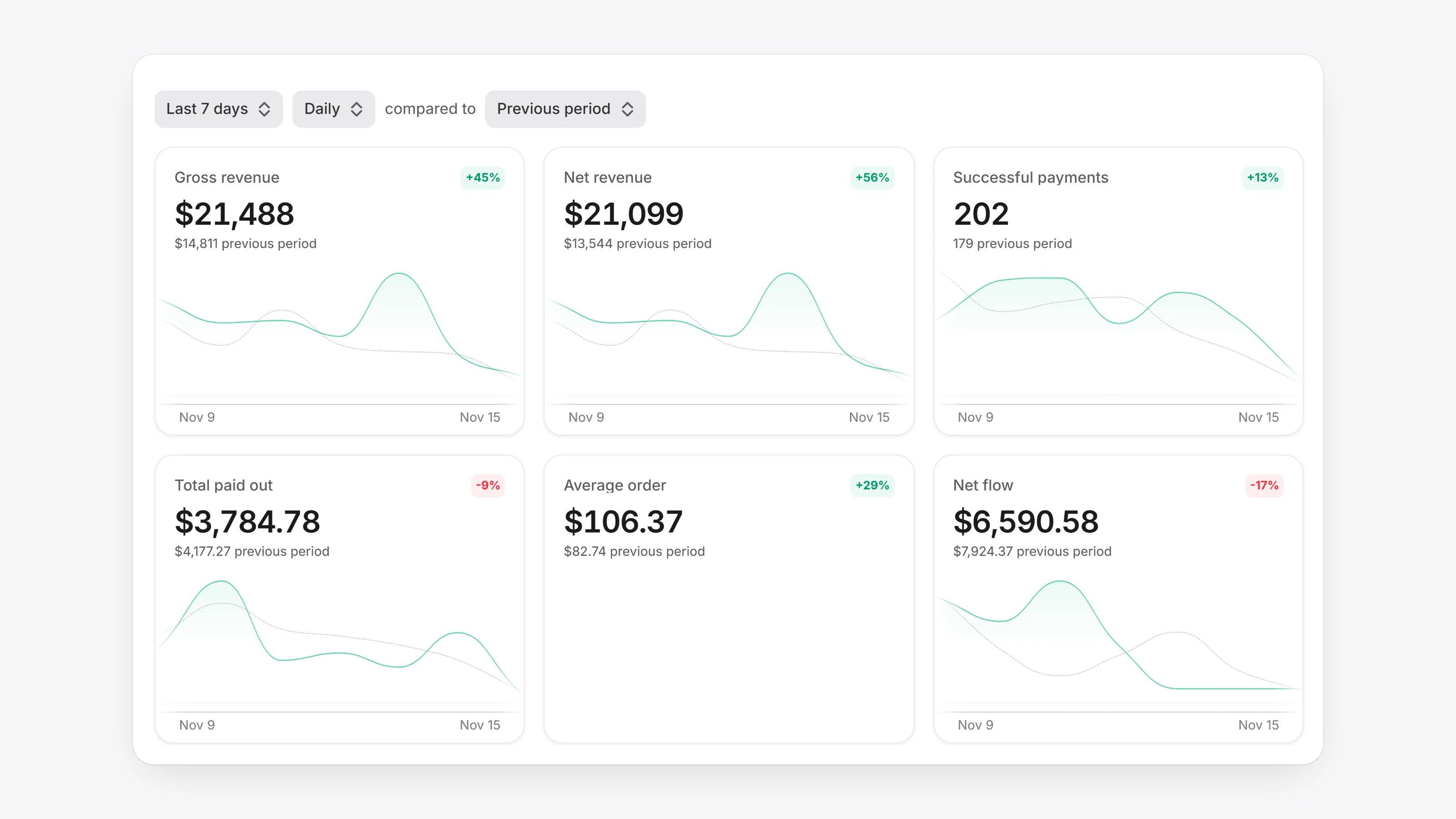
Your Home page is now yours to arrange. Open the layout menu at the top of Home to switch between Globe and Overview. Choose Edit layout to drag blocks into place, Add blocks to open a gallery of blocks showing your real numbers, or Reset to default. On Overview you can turn the Live activity side panel on or off. Blocks cover payments, payouts, balance and subscriptions, for example Gross revenue, Success rate, Payout success rate and MRR.
A date filter sets the range for the whole page, from Today to All time or a Custom range. You can compare against the Previous period or the Previous year. Today's numbers are compared with the same hours yesterday, so the comparison is like for like.
Linked accounts is now called Settlements, and it adds a payout schedule. Open Settings, then Settlements. Under Payout schedule, choose Automatic, then set Frequency to Daily, Weekly or Monthly. Choose an account under Pay out to, and turn on Keep a reserve if you want a percentage of your balance to stay behind each time. Payouts stay Manual until you change this. This needs Paysio Debit & Payouts.
- Hourly charts on Home no longer shift by your time zone offset.
- Card brands written in different ways, such as "amex" and "American Express", now count as one entry in breakdowns.