Run Paysio from your terminal with the CLI
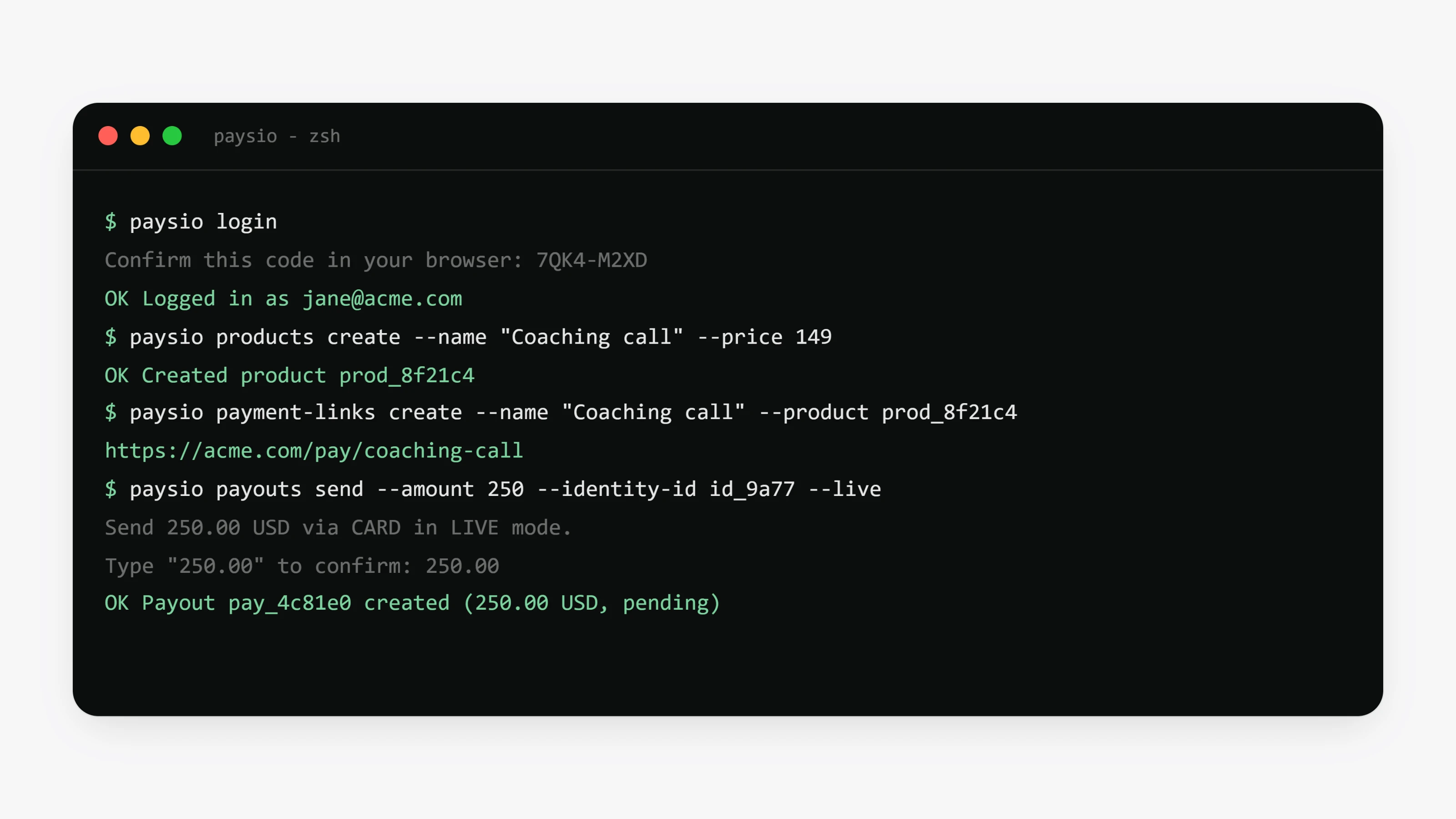
Install it with npm install -g paysio and sign in with paysio login, which opens your browser so you can approve the terminal. The CLI covers what the dashboard does, including products, customers, subscriptions, transactions, invoices, payment links, payout links and webhooks.
For webhook work, paysio listen --forward-to localhost:3000/webhooks streams signed events to your machine, and paysio trigger payment.completed creates real sandbox events. For AI coding agents, paysio mcp add registers the Paysio MCP server and paysio skills add installs the Paysio skill.
The CLI works in test mode unless you say otherwise. Moving real money means typing the amount again or passing an explicit flag. To see or sign out signed-in terminals, open Settings, then API Keys, and look under Paysio CLI.
- List commands take
--limit, and tables fit the width of your terminal. paysio searchtakes--categoryand--offsetand tells you when there are more results.- Manage roles and payout caps with
paysio members rolesandpaysio members set-limit.
- Failed commands on Windows now return their documented exit codes instead of crashing.