Take payment on your own store page
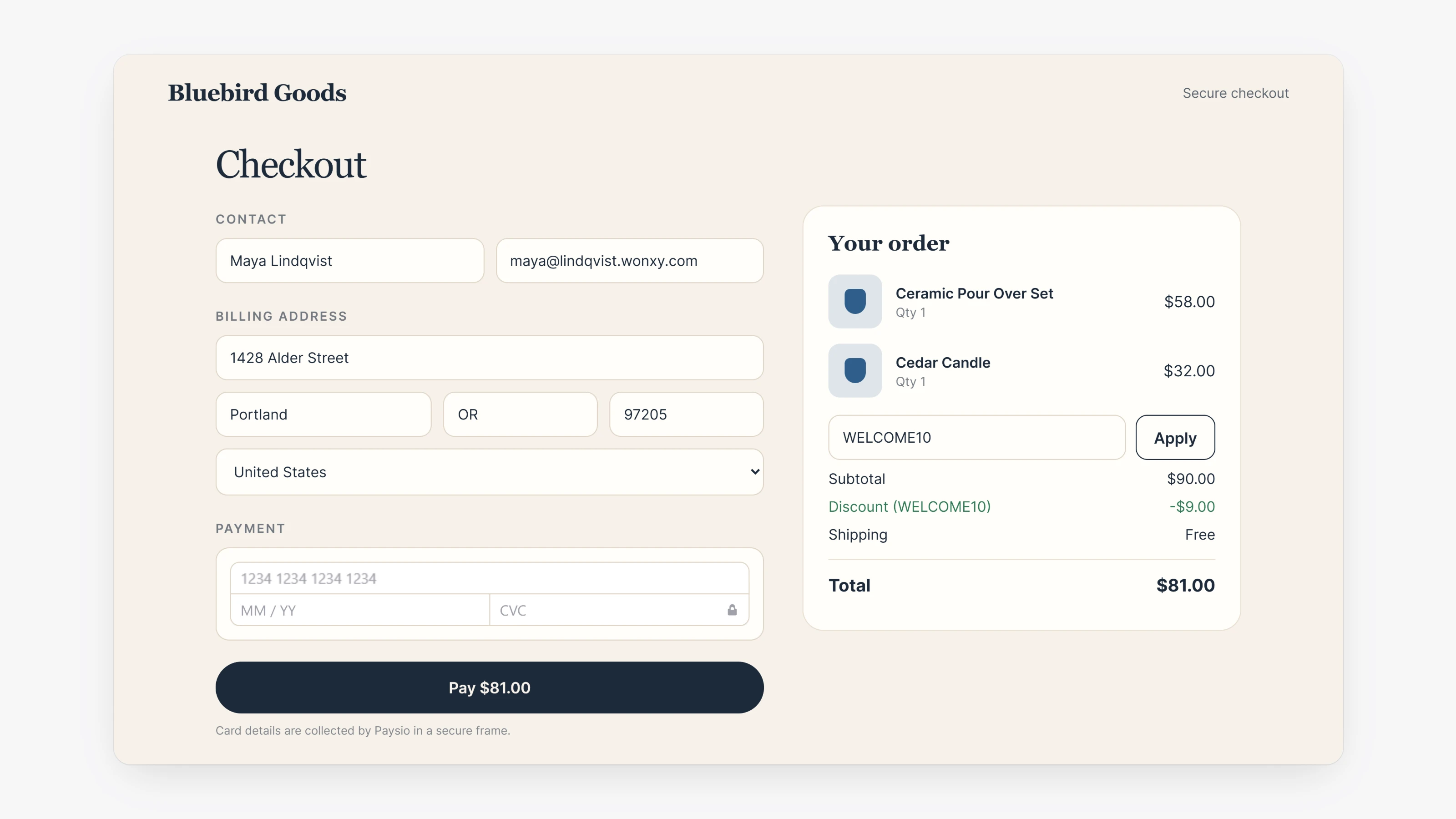
By default, a store hands the cart to the Paysio checkout page. You can now ask the store builder to keep checkout on your own site instead. Tell it in plain language, for example "build me a custom checkout page".
With an embedded checkout, the Paysio payment form appears inside your store and matches your colors and fonts. With a custom checkout, your store draws the whole page and Paysio draws only the card number, expiry and security code in a secure frame. A custom checkout can still offer 3D Secure, saved cards for returning shoppers, discount codes, extra order fields and your own reference numbers. It always asks for a full billing address.
You can also hand your store code to an AI coding agent. On the store page, open Work with your coding agent and use Copy prompt. The agent edits locally with paysio store pull and paysio store push, and nothing goes live until you publish.
- New Live payment confirmation setting under Settings, then Checkout. For Paysio Debit & Payouts card and wallet charges, the confirmation page waits until the bank confirms the payment. If the payment is declined, the buyer sees why and gets a Try again link. It is on by default.
- Sending money now has a Review and send step that shows the recipient, payment method, note and fees before anything moves.
- Transaction details now have a Fees line that opens to show each fee, followed by the net amount.
- Store checkouts now follow your 3D Secure setting.
- The liability shown for Apple Pay and Google Pay payments now reads the card brand's own authentication codes, so it only claims a liability shift when one actually happened.
- Google Pay payments no longer fail on stores that require a phone number when the phone is in the billing or shipping details.