Install apps from the Paysio App Store, or build your own
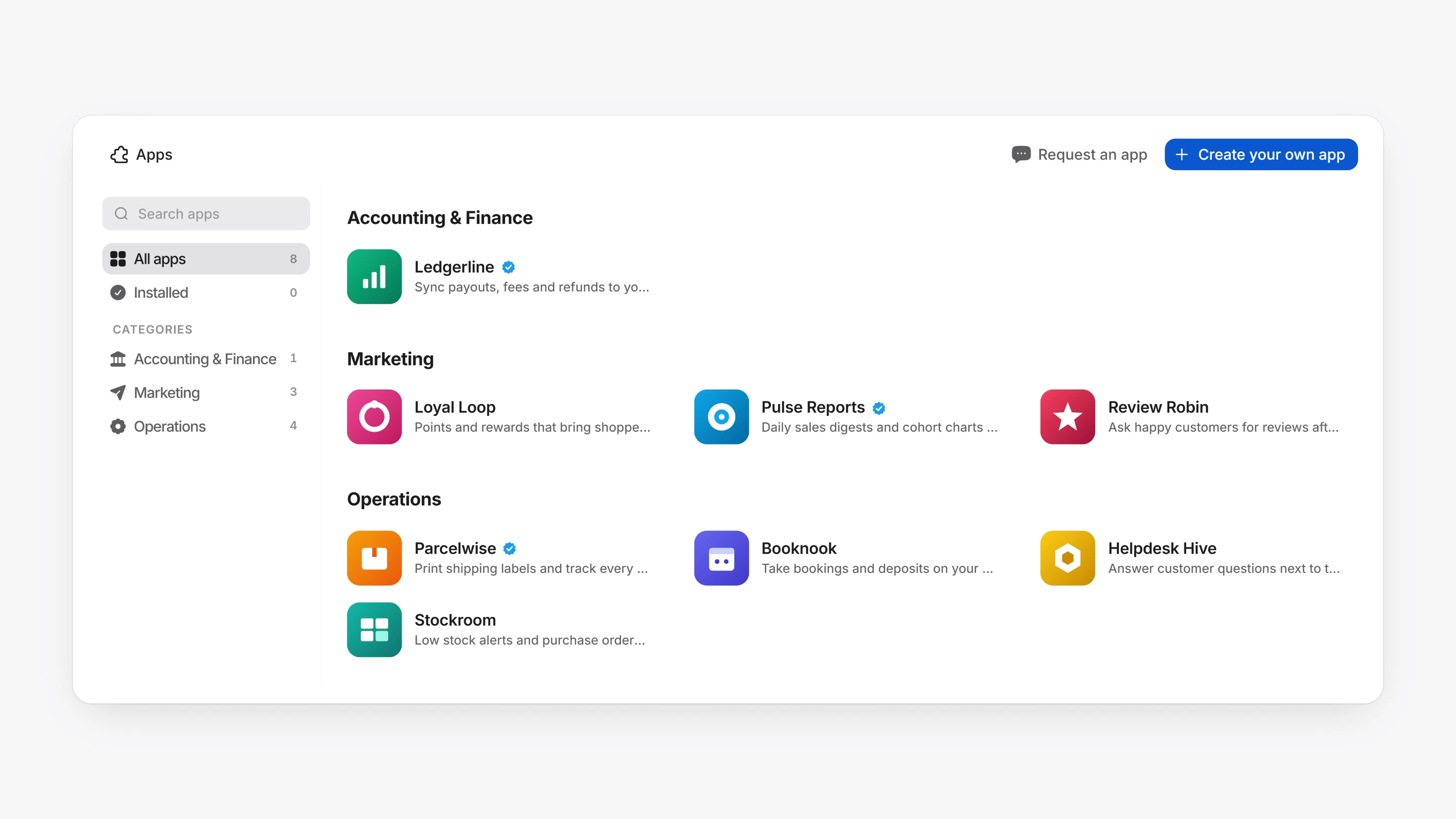
Open Apps in the sidebar to browse the store, install an app and choose what it may access. Installed apps get their own place in the sidebar and open inside the dashboard. If an app asks to charge customers, create invoices or change subscriptions, you tick a box to confirm before you can install it. Every charge an app makes shows in Transactions. Missing something? Use Request an app.
The App Store is also on the public site at /apps. Anyone can browse it, share a listing with Share, and see a badge on apps from a verified developer or built by Paysio.
Developers can choose Create your own app, or start one with paysio apps create. Apps get scoped access tokens, webhook topics, and the Paysio Bridge (paysio-bridge-1.js), which lets an app set its title bar, show toasts and open Paysio records. Apps can also add blocks to transaction, customer and subscription pages.
- The API answers at
/v1as well as/api/v1. /v1/payment-linksfor creating and managing payment links.POST /v1/inventory/adjustchanges stock in one atomic step, by adeltaor to a setquantity.- API keys can be limited to chosen scopes instead of Full access.