Set your payout descriptor and send payouts without duplicates
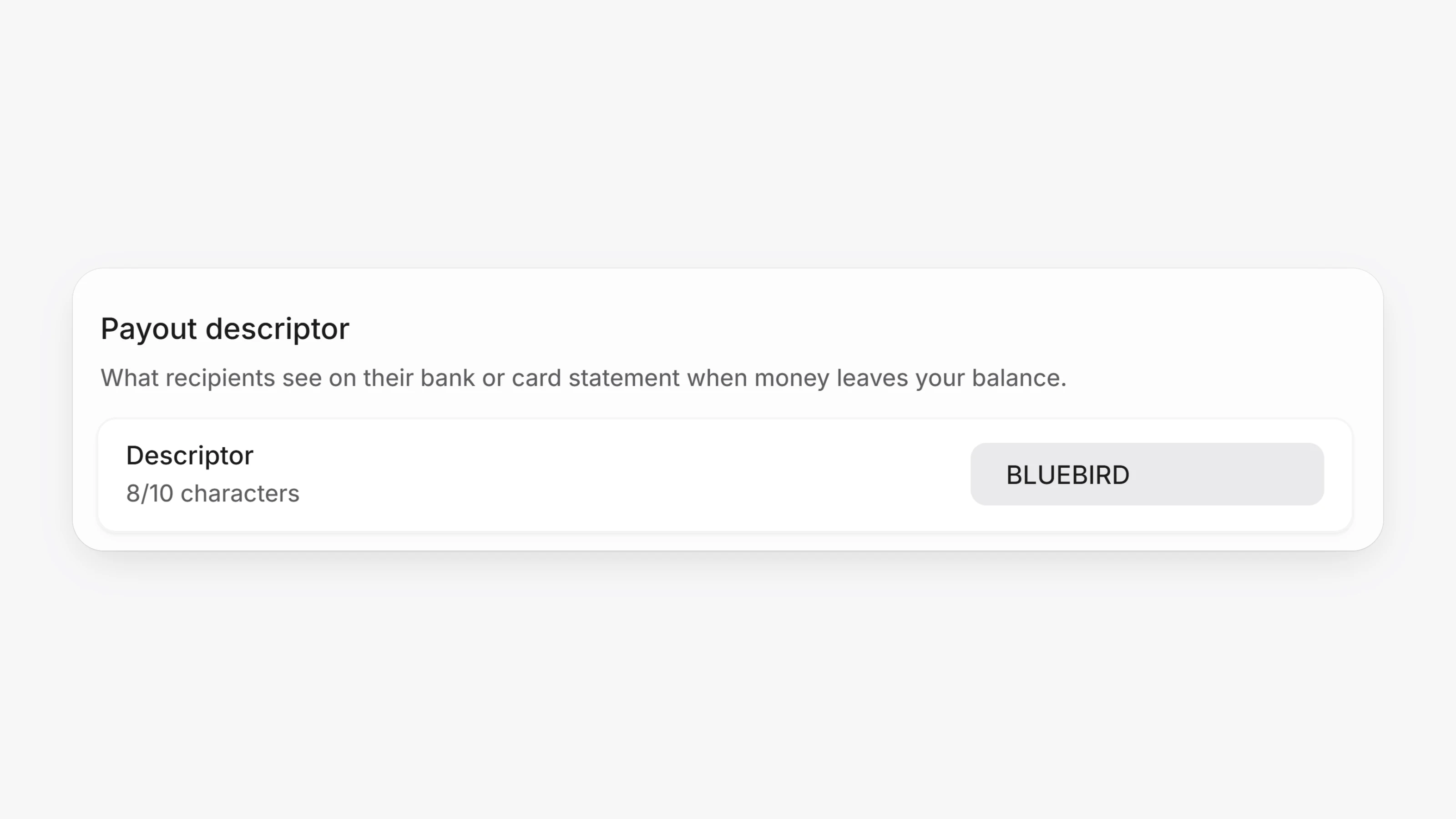
Open Settings, then Payouts, to set a Payout descriptor. This is what recipients see on their bank or card statement for payouts, withdrawals and refunds sent from your balance. It takes up to 10 letters, numbers and spaces. Leave it empty to use the descriptor approved on your Paysio Debit & Payouts account. Instant (RTP) transfers show your account name instead.
In Virtual Terminal, turn on Send an invoice to raise an invoice for the sale and email it as a paid receipt. On payments that settle later, the receipt goes out once the money lands.
Customers who paid through more than one gateway now have one page. Each payment, subscription and saved payment method shows a small gateway mark, and the Identifiers section lists the customer ID on each gateway.
- Bank payments that settled but have not reached your balance yet show a Clearing badge on transactions and on Balances.
- The Transactions list has Processing, Money in and Money out quick filters.
- Payout rows and payout pages now show the amount sent. Fees are no longer added into that figure.
- The statement descriptor field in Virtual Terminal now also works on Paysio Debit & Payouts, where the limit is 10 characters. The counter shows the limit for the gateway you are using.
POST /payoutsrefuses an identical payout (same destination, amount and currency) with a 409 while one is still in flight, or within 5 minutes when the metadata also matches. Passallow_duplicate: trueto send it anyway.- A repeated
reference_idonPOST /payoutsreturns 409 withduplicate_reference_idand the existing payout, orreference_in_flightwhile the first attempt is still processing. GET /payouts?reference_id=tells you whether a payout was created after a timeout or anoutcome_unknownerror.PATCH /accountacceptspayout_descriptor, the default descriptor for money sent from your balance.
- The sidebar no longer stays open when you hover over embedded content, and resizing no longer sticks when you release the mouse outside the window.