Get around the dashboard with the command menu
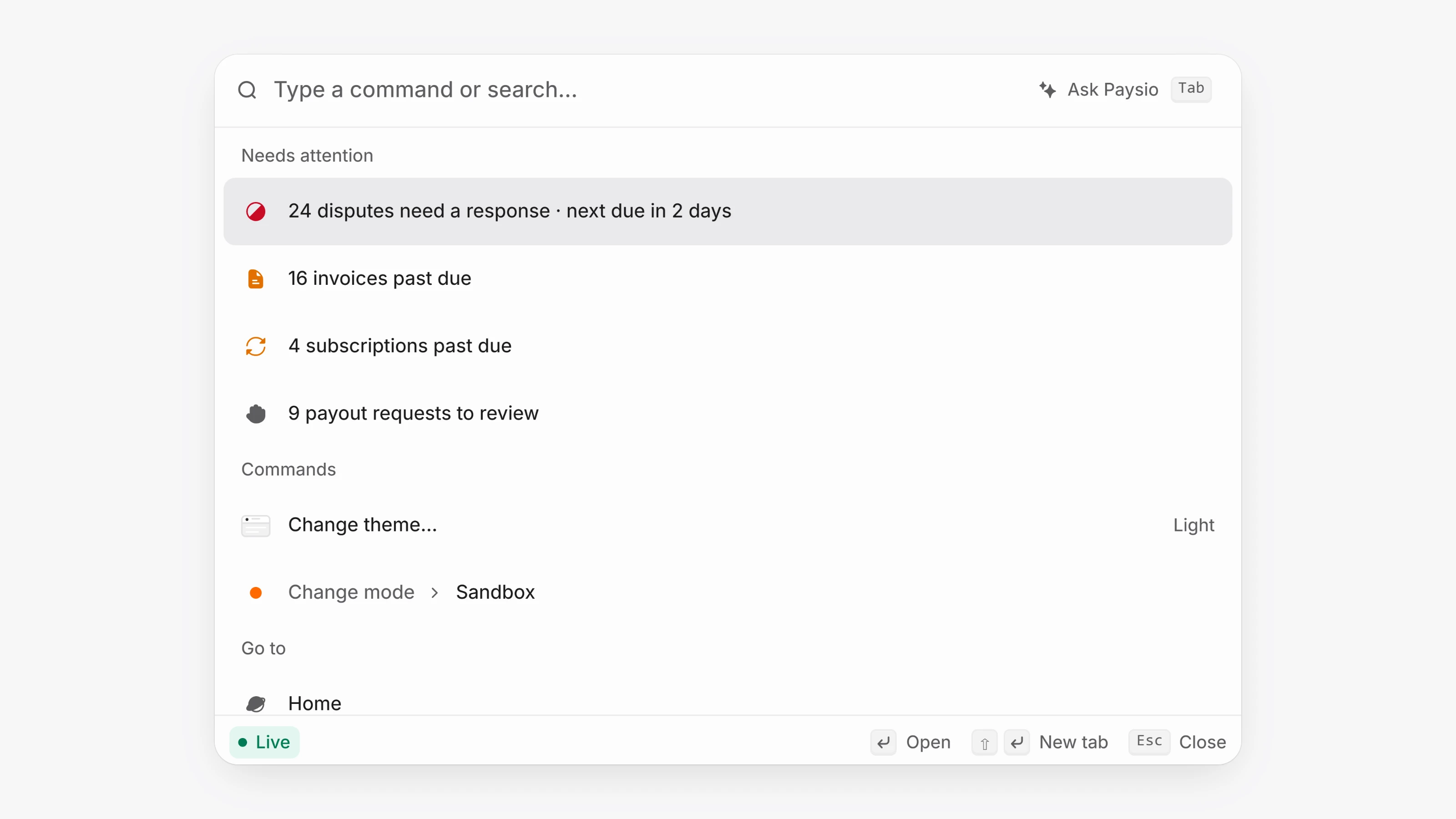
Press Cmd K on a Mac or Ctrl K on Windows anywhere in your workspace. Type to find customers, transactions, invoices and other records, jump to any page, switch workspace or change the theme.
Lists now support keyboard selection. Press X to select the row you are on, Shift with the arrow keys to extend the selection, Cmd A to select everything loaded, and Esc to clear. Then open the command menu to act on the selected rows together.
The command menu always asks you to confirm before a change runs.