See your balance history and every fee in one place
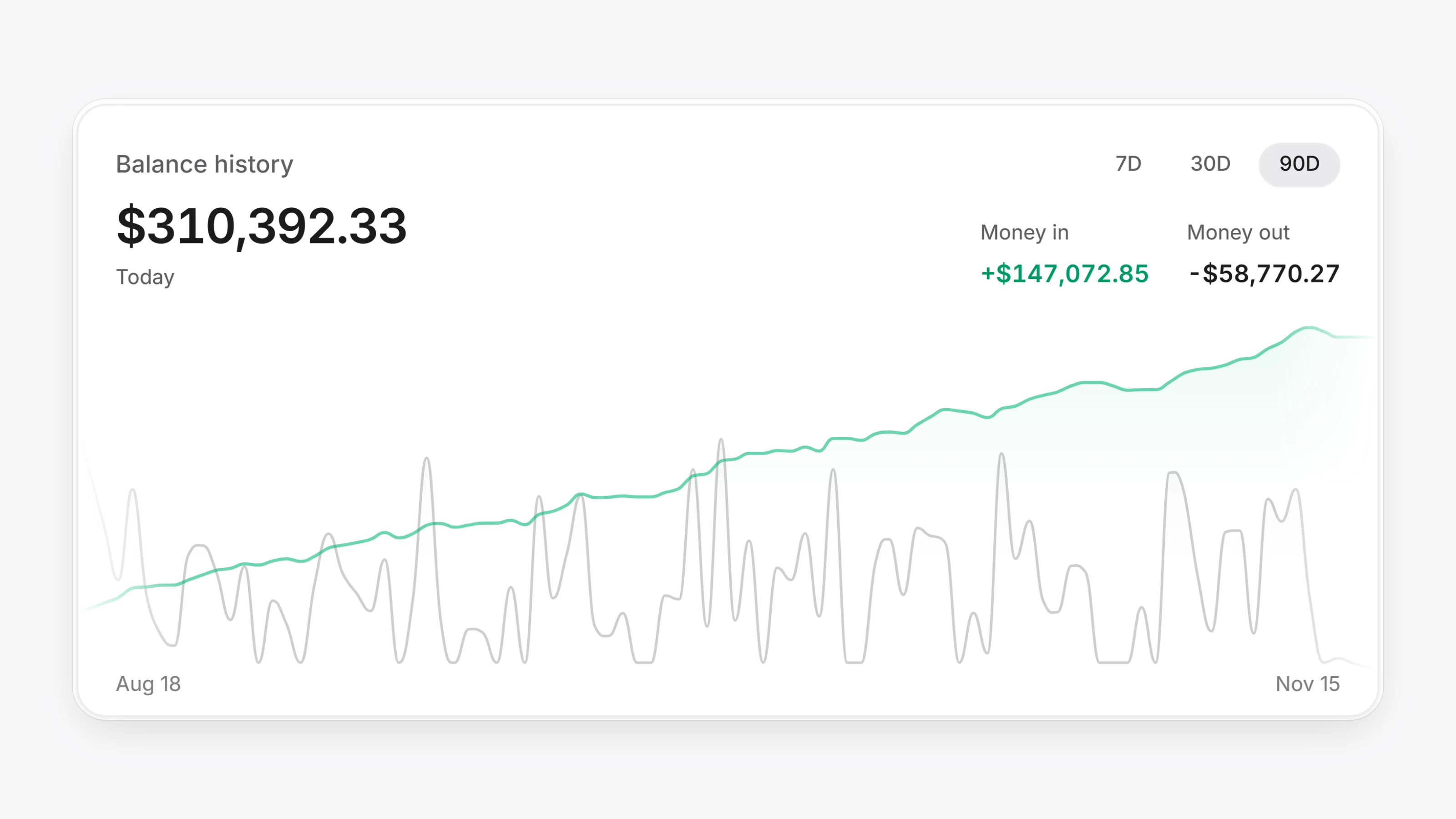
With Paysio Debit & Payouts connected, open Balances to see Balance history, a daily chart of your balance with 7D, 30D and 90D ranges. Hover a day to see that day's balance, money in and money out. A new bar splits your balance into Available, Clearing, Reserved and, when the bank has not released funds yet, On hold. The activity list has a new Reconciliations tab.
Billing and fees are now one page. Open Settings, then Billing & fees. It shows This month and Last month totals, a By month list of what you were charged for, how many times and at what rate, and your Invoices.
Status badges explain themselves. Hover a status on a transaction or payout row to see the processor's response. If the processor sent nothing back, you see what the status means instead, for example "The payout is on its way".
- New transactions appear in the Transactions list as they happen, without a reload.
- Payout rows now show failure codes and messages.
- Bank names fill in from the routing number when the processor does not send one. You see them on customer and payout details.
- Invoice and payment links copied from Invoices use your custom domain when it is active, the same as the emailed invoice.
- The Payout links filter has Expired and Cancelled shortcuts.
- The dashboard and hosted checkout load faster. Pages you visited before now open right away.
- Fixed
starting_afterpagination on every/v1list endpoint. Pages no longer skip or repeat records.