Take payments inside your own mobile app
The new Mobile SDK completes a checkout session inside your app. Create a session on your server with POST /v1/checkout-sessions and a secret key, pass the slug to the app, and render PaysioPaymentSheet. Card details go into secure vault fields and never reach your server. You never put an API key in the app.
Install @paysio/react-native for React Native apps. If 3D Secure is on for your workspace, the SDK runs it for you and only shows the bank's challenge when the issuer asks for one. If bank payments are on, customers can also pay from a bank account. The developer docs also describe native iOS (Swift) and Android (Kotlin) packages with the same API.
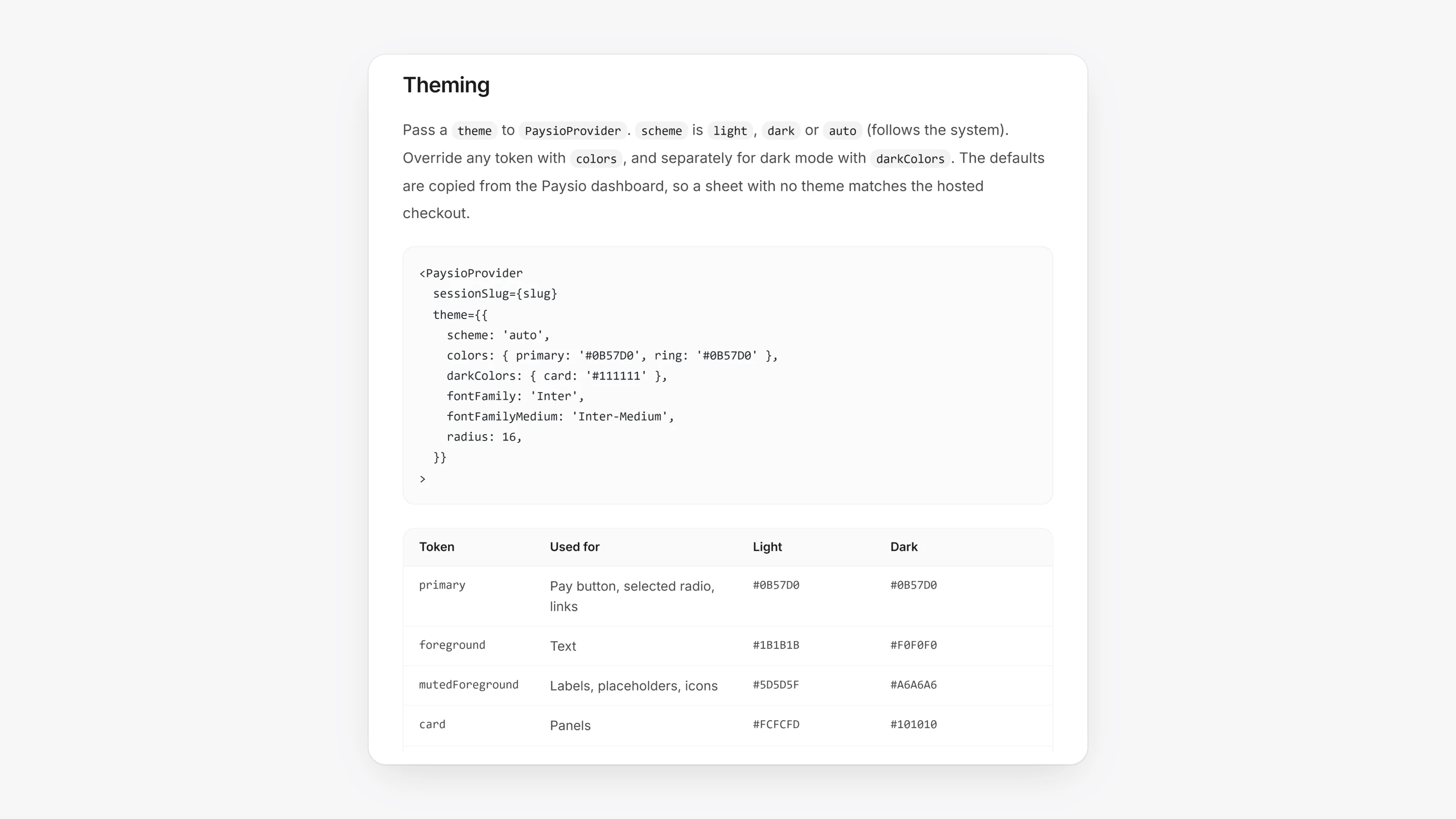
If you want your own layout, the card, bank and billing address fields can be used one by one with your own Pay button. You can theme them, including dark mode. The full guide is in the developer docs under Mobile SDK.
- Every SDK request sends
X-Paysio-SDKwith the platform and version. - Failures come back as a
PaysioErrorwith a plain code such asdeclined,three_ds_cancelledorsession_expired. onEventreports steps likepay_start,three_ds_challengeandpay_resultfor analytics. It never includes card data.