Find a payment by auth code or ARN
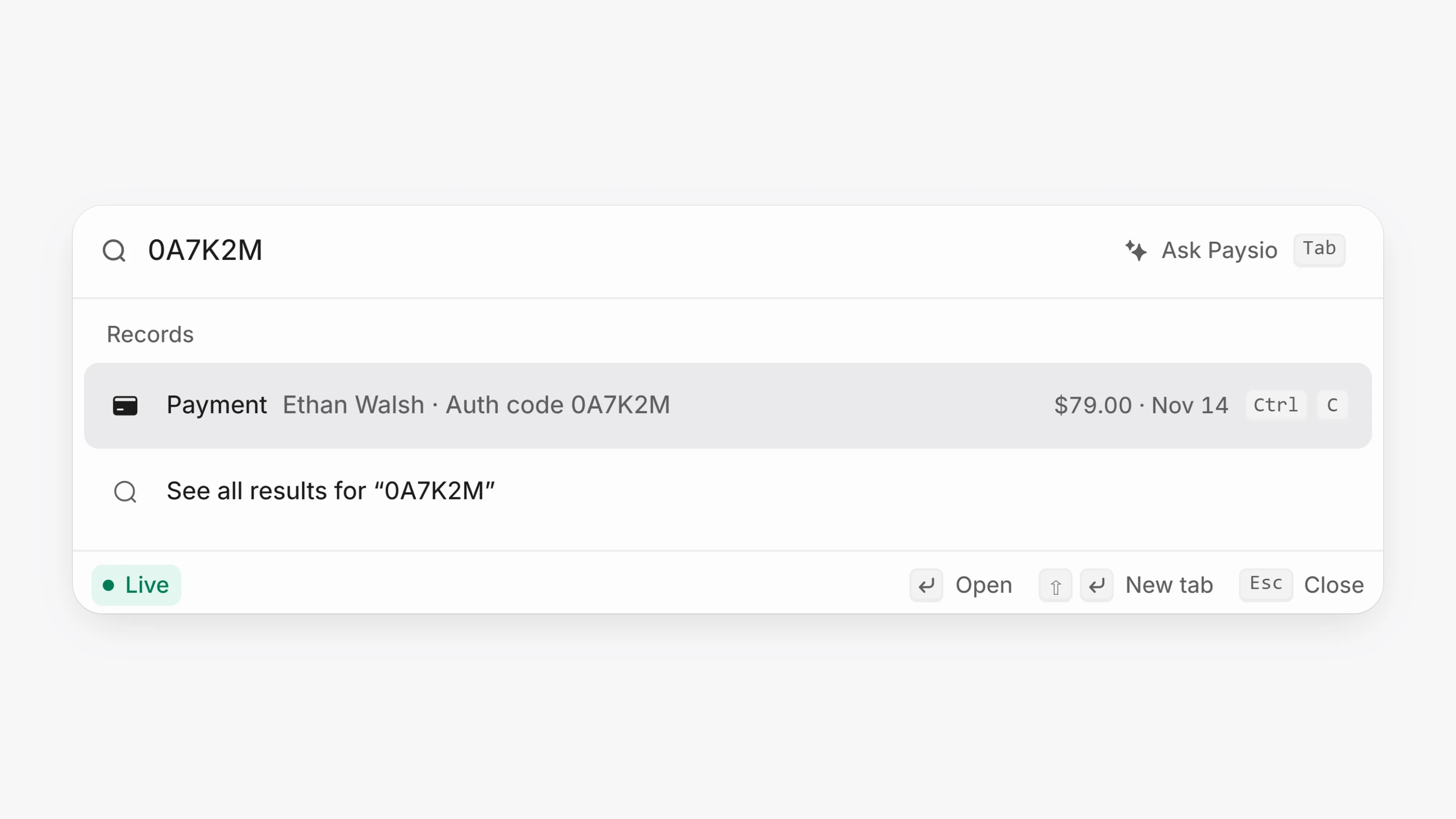
Paste an authorization code or an ARN into Search (Ctrl K, or Cmd K on a Mac) to find the payment it belongs to. Labels such as "auth code", "approval #" or "ARN" are ignored, so you can paste the line as it came.
The result shows which value matched, for example Auth code followed by the code, so you know why it was found. An ARN arrives with a dispute or an alert, so it finds payments that have one.