Address and security code checks
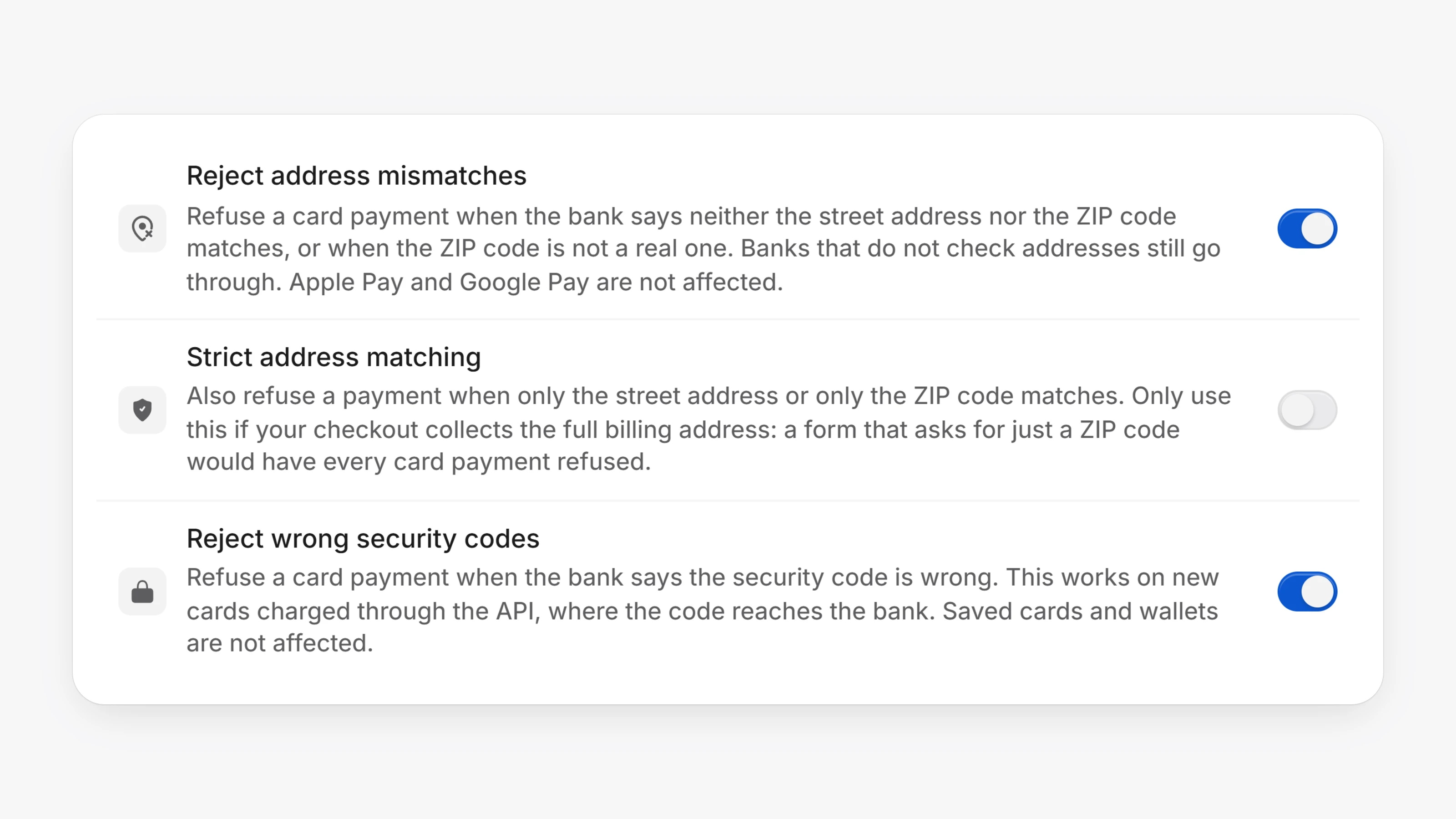
Open Settings, then Checkout. Under Card processing there are two new switches that help you refuse payments made with someone else's card.
Reject address mismatches refuses a card payment when the bank says neither the street address nor the ZIP code matches, or when the ZIP code is not a real one. Turn on Strict address matching as well to also refuse a payment when only one of the two matches. Only use it if your checkout collects the full billing address.
Reject wrong security codes refuses a card payment when the bank says the security code is wrong. Saved cards, Apple Pay and Google Pay are not affected by either switch.
Both switches are off until you turn them on. They are only shown when your card gateway reports address and security code results.
- The card number, expiry date and security code are now required wherever a card is typed: checkout, the customer portal, the dashboard and the payout page. Saved cards still need no security code.
- The hosted card fields and
createToken()refuse a blank or short security code before anything is sent, mark the field, and return a message you can show. - A card token created without a security code can no longer be charged or saved.
- API charges now use the billing address in the request as sent, instead of mixing in the address saved on the customer.