Add fees to invoices and terminal sales
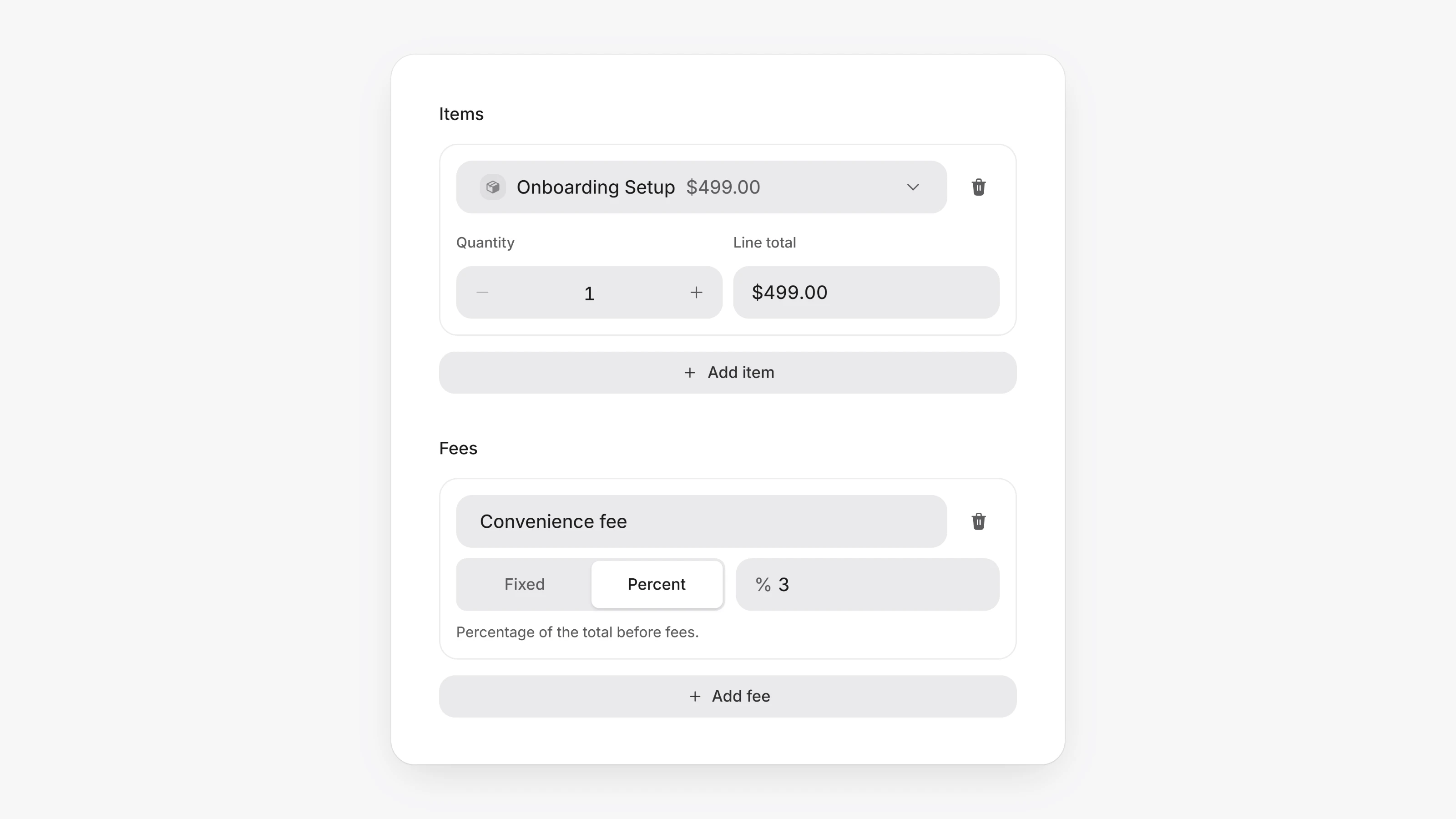
You can now bill for something that is not a product, such as a convenience fee or a handling charge, without creating a product for it.
On a new invoice or in Virtual Terminal, click Add fee under Fees. Name the fee, then choose Fixed and enter an amount, or Percent and enter a percentage. You can add up to 10 fees.
A percentage is worked out on the products plus tax, minus any discount. Each fee shows as its own line on the invoice, the PDF, the email, the checkout and the receipt, and the amount stays fixed once the invoice is created.
POST /v1/invoicestakescustom_fees, a list of fees with alabel, atypeoffixedorpercentage, and avalue. A fixed value is in cents.- Invoices and transactions return
customFees, each line with theamountit came to in cents.