Open apply links for agents
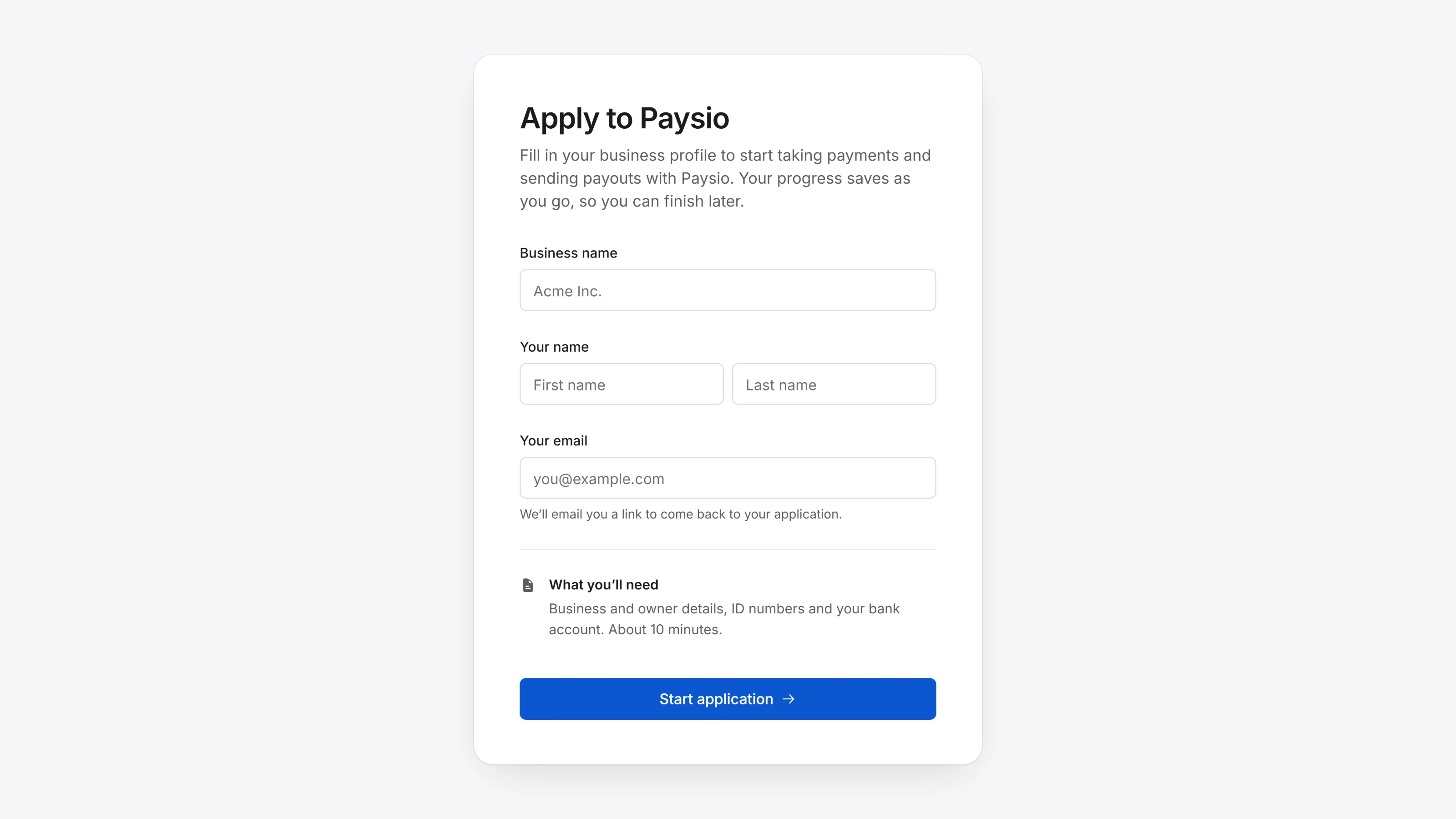
In the Agent Dashboard you can now create an apply link that anyone can open, like a form on your website or a link in your email signature.
The link opens straight on the application form. Each person who applies becomes a new merchant, set up the way you chose for the link: services, gateway, processor, pricing and routing. They confirm their email with a code when they sign.
Create one from + at the top of the sidebar with New apply link. Your links are listed in Settings, then Apply links, where you can copy, edit, close or reopen each one.
- Tag your merchants, then filter the Merchants list by tag. Manage tags in Settings, then Merchant tags.
- Search Mail by subject, merchant, sender or recipient, and select several threads with Ctrl or Shift to archive them at once.
- Faster pages across the Agent Dashboard, with fewer loading flickers.