An AI teammate in your dashboard
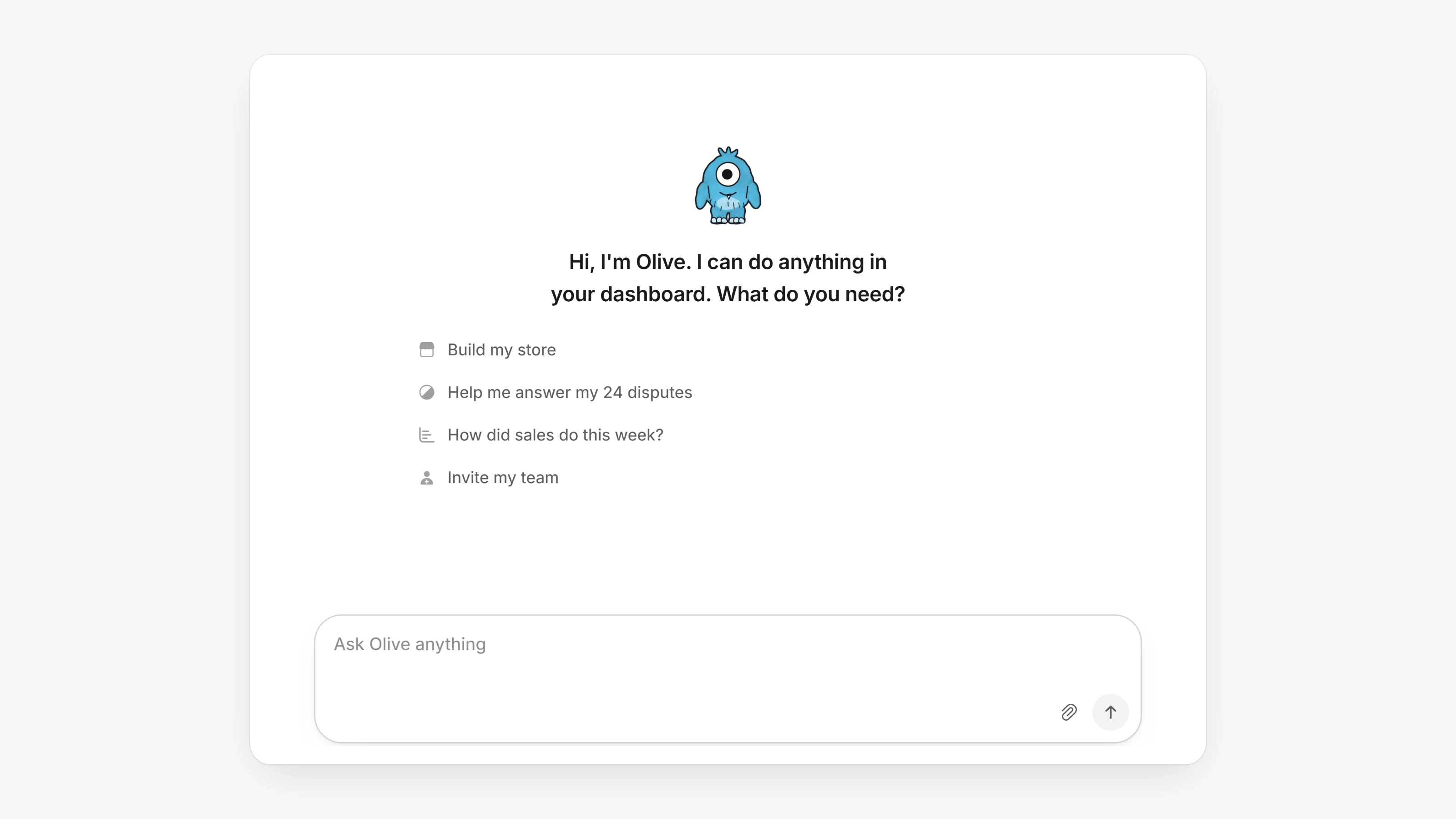
Every workspace now has an AI teammate. Open Agents in the sidebar and ask it what you need in plain words. It can find a payment, tell you how sales did this week, help you answer a dispute, build your store, or invite your team.
It works in the dashboard the same way you do, with your permissions. Before it moves money, sends an email, deletes something or changes a security setting, it shows you a card with the details, and nothing happens until you confirm.
It also works beside any page. Open the side chat from the top of the sidebar to keep a conversation going while you work.
- Every workspace now has its sandbox gateways connected from the start, however it was created, so you can test payments in Sandbox right away.
- Store builds get more time, so a long build no longer stops partway through.
- Opening the side chat on your store page moves the store conversation into it.