Send applications to one more processor by API
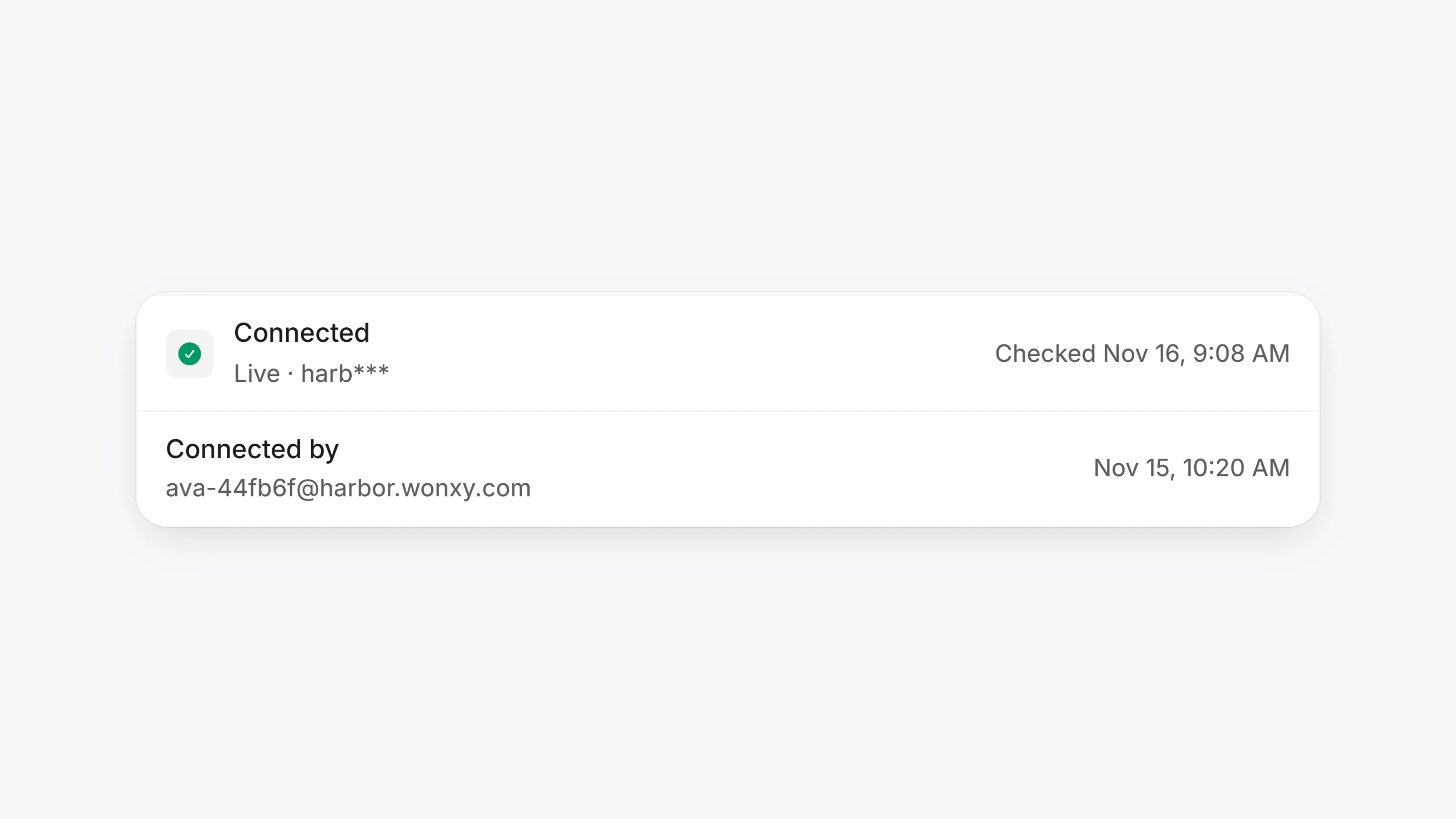
There is one more processor you can now send applications to by API instead of by email. One call carries the case's details, the pricing you set, the signed application, its signing certificate and the merchant's documents.
To set it up, you need the API username and password the processor gave you, and you must be an owner of your org.
1. Open Settings, then Processor connections.
2. Enter the username and password under that processor, and connect. Paysio signs in first and never saves details the processor refuses.
3. Under Where deals go, pick the Gateway program. Until you pick one, deals still go by email. The Retail office, High-risk office and branch and rep codes are optional.
4. Leave its switch under Sending on.
Then send as you do today: on the merchant's processor step, tick the processor under Send to and click Send. The step reads "by API" once it is in. If the processor's API can't take the deal, the same package is emailed instead. Approvals and declines come back on their own, and an approval with a merchant ID is recorded on the merchant.
- Paysio checks the processor for updates about every 30 minutes.
- When the processor asks for more, sending again adds the new documents to the same deal.
- Merchants applying to this processor also sign a W-9 and three short certifications on their sign page. These are added to the printed application.
- Test merchants are never sent to the processor's live system.