Import from a merchant's Activity, and emails from your own mailbox
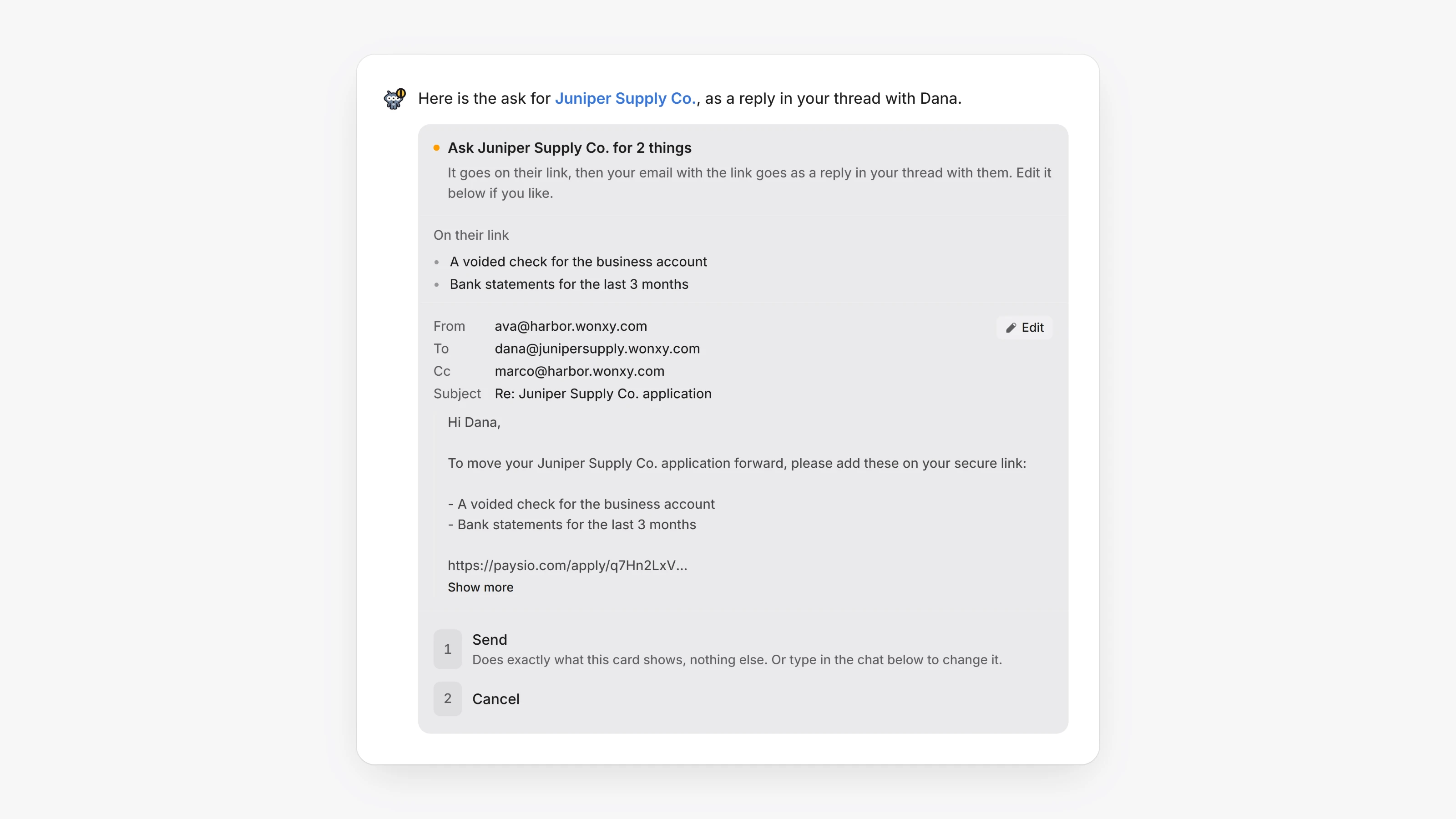
When you ask the AI in Agents to ask a merchant for something on their application link, the email now goes from your own connected mailbox, as a reply in your latest thread with that merchant. The card shows the email exactly as it will go: From, To, Cc, the subject and the words. Click Edit to change any of it, then Send. The asks go on the merchant's link first, then your email goes.
If you have no mailbox connected, or the merchant has no link yet, Paysio's automatic email tells them instead, and the card says why. You can also ask for the automatic email when you prefer it.
You can now import a merchant's emails from the merchant's own page too. On their Activity, mention the merchant's teammate in a comment and ask, for example, "import this merchant's emails from my mailbox". The import card shows under the teammate's reply while it reads, and when it ends, the Check these card lists the facts that need you, the same as in the Agents chat. It only reads the mailboxes you can read, and nobody is emailed.
- Every email card in the Agents chat that sends from your mailbox now has Edit, the same editor as on the merchant's page. Send waits while the editor is open, so unsaved words never go.
- A note to the merchant on their application link now reads as short paragraphs and lists, instead of one block of text. The greeting and the sign-off get their own lines.