The AI answers questions about your data in one step
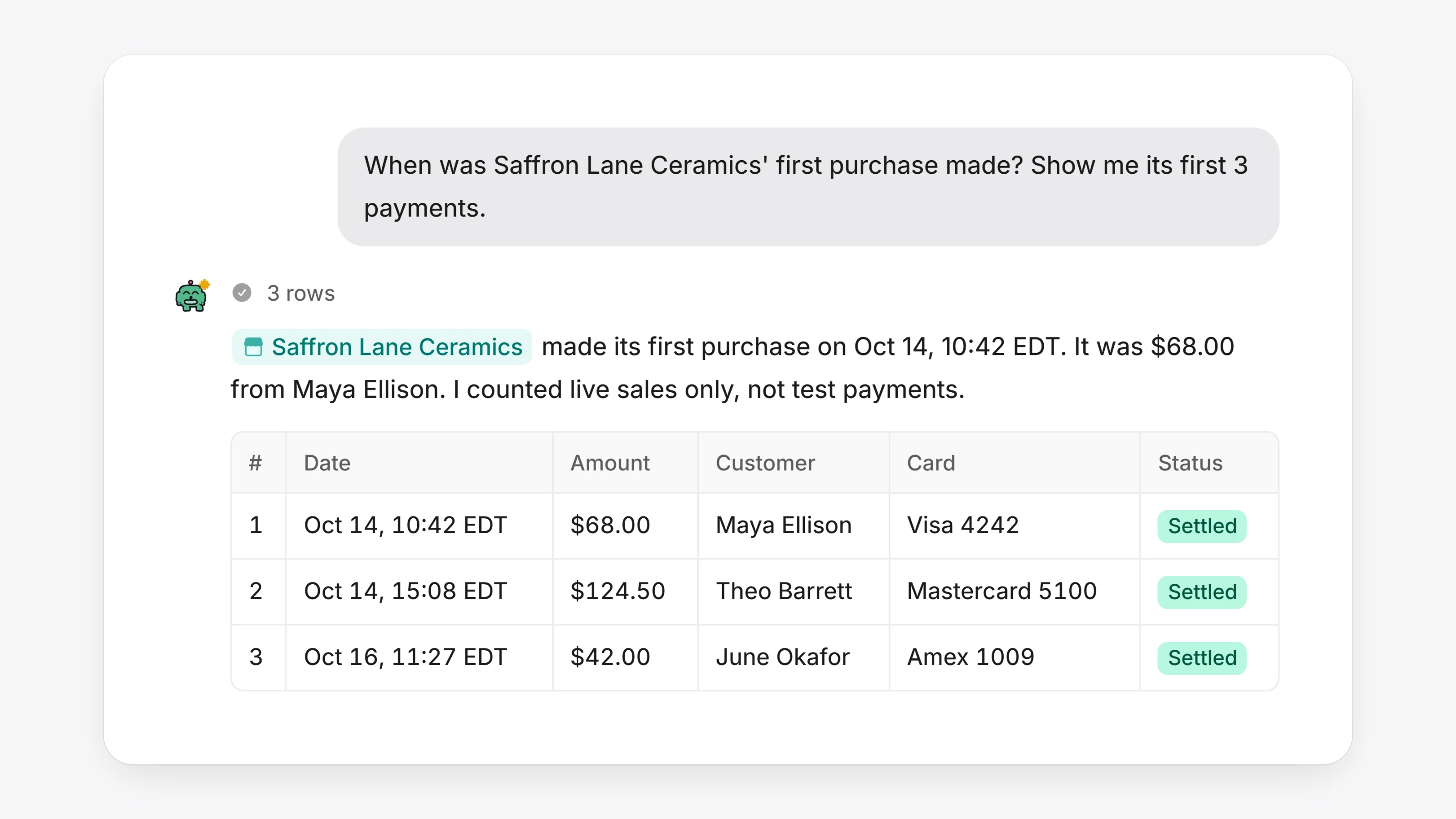
Questions about your numbers and records now get answered in one step. Ask in plain words, like "when was Bluebird Goods' first purchase?", "which merchants processed the most last week?" or "what is my decline rate by card brand this month?". The AI looks it up directly and shows a table when there is more than one row. Before, a question like that could take the AI many steps of searching.
In the Agent Dashboard, open Agents and ask about your merchants, their applications and what each is waiting on, payments, payouts and holds, disputes, earnings and residuals, documents and when they expire, and what a processor asked for. Figures match what your Analytics and Earnings pages show.
In your own dashboard, the AI teammate under Agents can now do anything you can do there, not just the most common tasks. Ask it to refund all of yesterday's orders and you get one card listing each order and the total. A refund on a payment with an open chargeback carries a warning on the card. Team members only get answers from the pages their role can open.
Nothing about how changes are confirmed has changed. Before the AI sends something, moves money, deletes something or changes access, it shows a card, and nothing happens until you click. It only uses fee numbers a person typed, and when a number has no unit, like "make it 25", it asks what you meant.
- On a merchant's page in the Agent Dashboard, Enter as ghost is now a button at the top right. It opens the merchant's own dashboard.
- Ask the teammate on a merchant to change part of an email that is waiting for your Send, and it edits that email in place instead of starting over.
- Text you paste into a reply on a merchant stays as text. Before, a long paste was turned into a file on the merchant's documents.
- Leaving Home while the map is still loading no longer slows down the next page.
- A wide table in the chat now scrolls with a thin scrollbar that matches the rest of the dashboard.
- In Settings, then Integrations, the Card processing row now shows its logo.
- Clicking Cancel on a card under a teammate's reply now shows it as cancelled right away. Before, the card could keep its buttons for up to a minute.
- An application email the teammate rewrote, then you sent, now marks the application as sent to the processor. Before, the merchant could keep saying the application still had to be sent.
- Merchant record pages show Card processing where they used to show the name of the card gateway.